
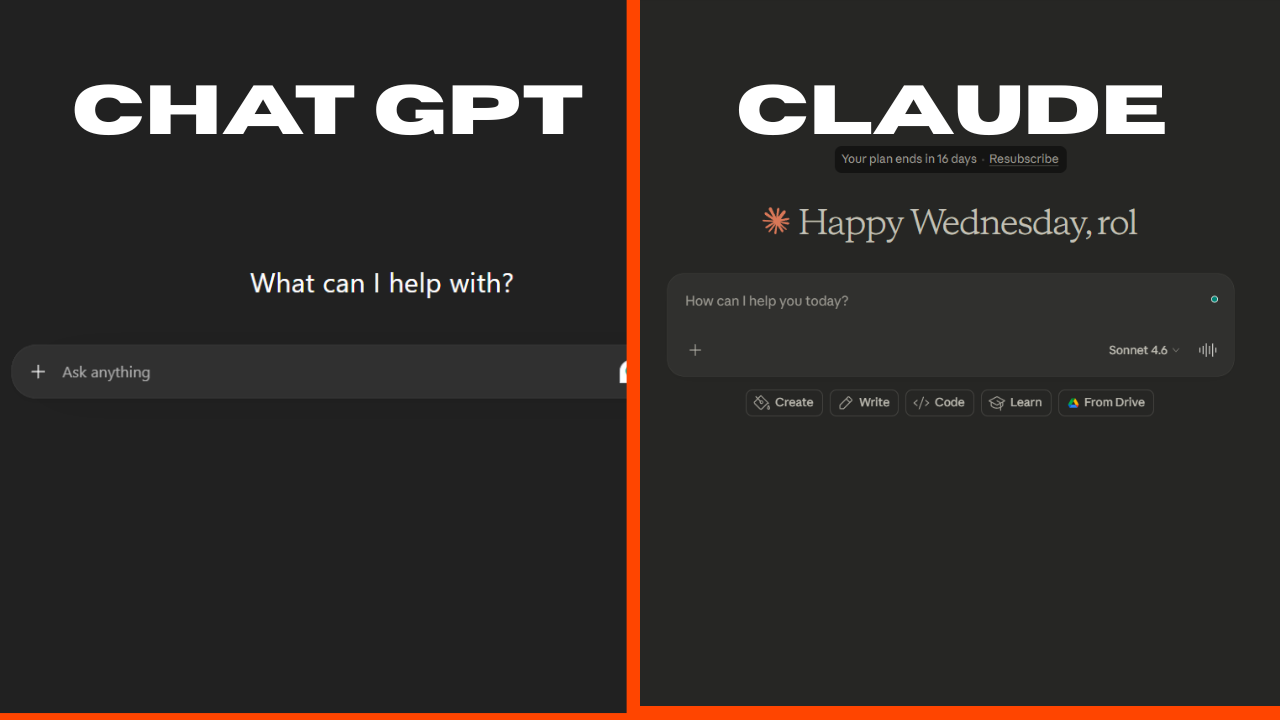
ChatGPT vs Claude 2026: Better for Freelance Writing?
When comparing ChatGPT vs Claude for freelance writing, the real test is performance on actual paid work. I’ll be honest, I went back and forth between these two tools for months before finally sitting down and doing a proper side-by-side test. As a freelancer who writes everything from blog posts to client emails to product descriptions, I needed to know which AI writing tool actually earns its place in my daily workflow. Not which one has the better marketing page but which one performs.
If you’re a freelance writer trying to decide between ChatGPT and Claude, you’re in the right place. I put both through their paces across real freelance writing tasks. The kind of work you get paid for. Here’s exactly what I found.
| ChatGPT (GPT-4o) | Claude (Sonnet) | |
|---|---|---|
| Best For | Versatile writing, research, brainstorming | Long-form writing, tone matching, nuance |
| Output Quality | ⭐⭐⭐⭐ | ⭐⭐⭐⭐⭐ |
| Context Window | 128K tokens | 200K tokens |
| Pricing | $20/month (Plus) | $20/month (Pro) |
| Free Plan | Yes (limited) | Yes (limited) |
| Our Verdict | Best all-rounder | Best for writing quality even with longer words, consistency in flowing |
What Is ChatGPT? (Quick Overview)
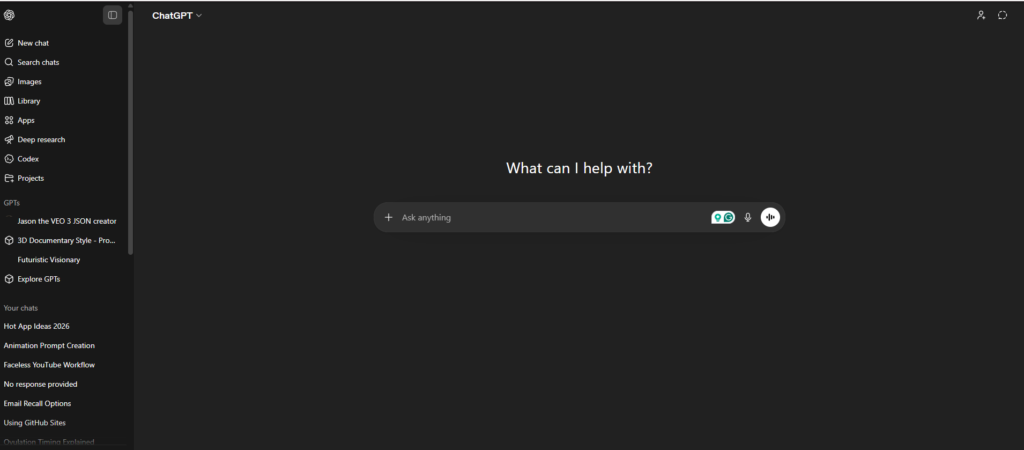
ChatGPT is OpenAI’s flagship AI assistant, and it’s the tool most people think of first when they hear “AI writing.” Launched in late 2022 and now running on GPT-4o, it handles everything from writing blog posts to generating code to answering complex research questions. It has plugins, a GPT store, image generation via DALL-E, and integrations with tools like Zapier and Microsoft 365. For freelancers, the appeal is obvious: it’s a Swiss Army knife.
The free version gives you access to a limited GPT-3.5 experience, while ChatGPT Plus ($20/month) unlocks GPT-4o, browsing, image generation, and the GPT store. It’s also available via API if you’re building workflows.
What Is Claude? (Quick Overview)
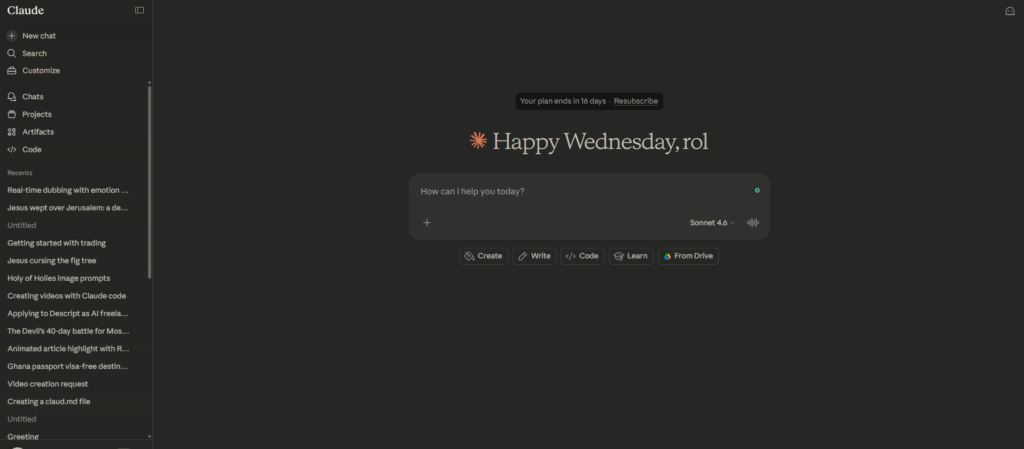
Claude is made by Anthropic, and if you haven’t used it yet, you’re probably missing out. It launched to the public in 2023 and has quietly become one of the most respected AI writing tools among professional writers and content creators. The current model, Claude Sonnet, is fast, highly capable, and genuinely impressive when it comes to writing that feels human.
Where Claude stands out is its 200K token context window (that’s roughly 150,000 words in a single conversation), its ability to match tone and voice with scary accuracy, and a writing style that doesn’t sound like a robot trying to sound like a human. The free plan is decent; Claude Pro ($20/month) gives you priority access and higher usage limits.
Head-to-Head: ChatGPT vs Claude for Freelance Writing Tasks
Rather than just listing features, here is how the ChatGPT vs Claude for freelance writing showdown played out. I ran both tools through the actual tasks I do as a freelancer. Here’s what happened.
1. Writing Blog Posts
I gave both tools the same prompt: write a 1,000-word blog post on “how freelancers can use AI to save time.” No extra instructions, no style guide, just the brief.
ChatGPT produced a clean, well-structured post fast. The intro was decent, the headers were logical, and it covered the topic competently. But it felt like reading a Wikipedia article, technically correct, completely soulless. The transitions were textbook AI: “Furthermore…”, “In addition to this…”, “It’s important to note that…”
Claude wrote something that surprised me. The intro had a hook. The body had a voice. There were moments where I genuinely thought, “I would have written that.” It wasn’t perfect; it occasionally over-explains things, but the quality gap was noticeable. For blog posts you’re going to publish under your name, Claude wins this round.
Winner: Claude
2. Writing Client Emails and Proposals
This is where things got interesting. I asked both to write a cold outreach email to a potential client in the SaaS space, and also a project proposal follow-up email.
ChatGPT nailed the cold email structure: subject line, opener, value prop, CTA. It was professional and punchy. It also gave me three variations without being asked, which I appreciated.
Claude wrote a warmer, more conversational email that felt less templated. But when I asked for variations, it was slower to produce multiple options and occasionally over-personalised to the point of sounding odd without context.
For proposals? Claude edges ahead again because it handles nuance better, understanding that a proposal isn’t just a sales pitch but a relationship document. But for quick cold emails where you need volume, ChatGPT is faster and more structured.
Winner: Tie (ChatGPT for volume, Claude for quality)
3. Editing and Rewriting Existing Content
I pasted a draft section of a real client article into both and asked them to “improve the flow and make it sound more natural without changing the meaning.”
This is Claude’s home turf. It preserved my original intent, fixed the clunky sentences, and added a rhythm that wasn’t there before. It felt like a skilled editor had gone through it. ChatGPT, on the other hand, rewrote more aggressively, sometimes changing the meaning slightly, and the result, while readable, didn’t feel like mine anymore. When you’re editing client work under their brand voice, that matters a lot.
Winner: Claude, by a mile
4. SEO Content and Keyword Integration
I asked both to write an SEO-optimised introduction for a product page targeting the keyword “best project management tools for freelancers.”
ChatGPT was solid here: it naturally included the keyword, wrote a clear meta-description style intro, and understood basic SEO intent. When I told it to include semantic keywords, it handled that well too.
Claude wrote a slightly better intro in terms of readability, but when I pushed for more SEO-specific structure, it occasionally resisted the “keyword stuffing” instinct, which is good practice, but sometimes you need to hit a brief. I’d give ChatGPT a slight edge here because it’s more willing to follow technical SEO instructions to the letter.
Winner: ChatGPT
5. Long-Form Content (3,000+ Words)
This is where context windows matter. I asked both to help me outline and draft a 3,500-word ultimate guide. ChatGPT handled it well with a clear structure, but started to lose coherence in the later sections, repeating ideas and occasionally contradicting earlier points.
Claude, with its 200K context window, maintained consistency throughout the entire piece. It remembered what it said in section two when writing section seven. For freelancers who produce long-form content regularly, think white papers, e-books, or in-depth guides; this is a genuine game-changer. Claude doesn’t just start strong; it finishes strong too.
Winner: Claude
6. Brainstorming and Ideation
Need 20 blog post ideas for a fintech client? Trying to come up with a new angle on a tired topic? This is ChatGPT’s playground. It generates ideas fast, at volume, and with decent variety. The GPT store also has specialised tools for content ideation that make it even more powerful for this use case.
Claude generates good ideas too, but it tends to be more considered, with fewer ideas, more thought behind each one. That’s great for strategic content planning but less useful when you just need a brain dump of 50 headline options.
Winner: ChatGPT
Pricing Comparison: What Do You Actually Get for $20/Month?
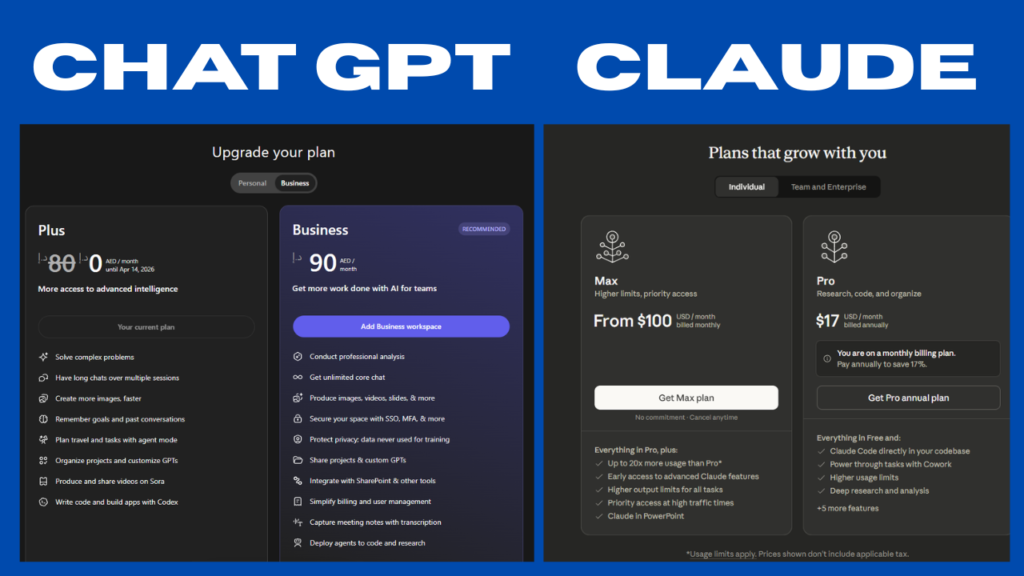
Both ChatGPT Plus and Claude Pro cost $20/month, which makes this a genuine value comparison rather than a pricing battle.
ChatGPT Plus gets you: GPT-4o access, web browsing, DALL-E image generation, the GPT store (custom GPTs), and code interpreter. It’s genuinely a lot of tools under one roof. If you need image generation on top of writing, the value here is hard to beat.
Claude Pro gives you: priority access during high-traffic periods, higher usage limits, early access to new features, and the full power of their most capable models. What it doesn’t have: image generation, web browsing (at least not natively in all versions), or the plugin ecosystem that ChatGPT has built.
If writing quality is your only metric, Claude Pro is worth every penny. If you need a multi-tool that does writing, images, research, and automation, ChatGPT Plus has the edge on features.
Pros and Cons: The Honest Breakdown
ChatGPT: Pros
- Enormous ecosystem: plugins, GPTs, integrations
- Strong at structured writing tasks (SEO, outlines, templates)
- Best for high-volume brainstorming and ideation
- DALL-E integration means one tool for writing + images
- More willing to follow strict formatting/SEO instructions
ChatGPT: Cons
- Writing quality can feel mechanical and generic
- Overuses transitional phrases that scream “AI wrote this”
- Struggles to maintain consistency in very long pieces
- Free version is significantly limited compared to Plus
Claude: Pros
- Writing quality is noticeably more human and nuanced
- 200K context window is a genuine advantage for long-form work
- Excellent at tone matching and editing existing drafts
- More reliable for preserving original meaning during rewrites
- Handles sensitive or complex topics with more care and depth
Claude: Cons
- Smaller ecosystem, fewer integrations and no native image generation
- Can over-explain or hedge when you just want a direct answer
- Less useful for rapid-fire ideation where volume matters
- Usage limits on the free plan are more restrictive than ChatGPT’s
Who Should Use ChatGPT? (And Who Should Use Claude?)

After all this testing on ChatGPT vs Claude for freelance writing, here’s my honest recommendation based on the type of freelancer you are.
Choose ChatGPT if you: need one tool to handle writing, images, research, and automation in one place. If you’re a freelance social media manager, a marketing generalist, or someone who needs to produce content at volume across multiple formats, ChatGPT Plus is your best bet. The plugin ecosystem and GPT store alone make it more versatile than anything else on the market.
Choose Claude if you: are primarily a writer: blog posts, long-form articles, white papers, ghostwriting, copywriting. If the quality of your writing is your product and your reputation, Claude will make you look better. It’s also the smarter choice if you regularly work with large documents, client brand guidelines, or need to maintain a consistent voice across thousands of words.
Use both if you can: Honestly? The freelancers I know who are making the most from AI use ChatGPT for ideation, research, and templates, and Claude for the actual drafting and editing. That’s a $40/month investment that pays back easily if you’re billing clients by the word or by the hour.
My Personal Verdict After 30 Days of Testing
If I had to pick one, and many of you are making exactly that choice right now, I’d pick Claude for freelance writing work specifically. The writing quality is just better. There’s a difference between content that’s correct and content that’s compelling, and Claude consistently lands closer to compelling.
That said, I still have ChatGPT open in a tab every single day. I use it for research, for rapid outlines, for email templates, and for brainstorming angles when I’m stuck. It’s a different kind of useful.
The bottom line: if you write for a living and you’re only going to subscribe to one AI tool, start with Claude. If you’re ready to build out a proper AI writing workflow, add ChatGPT as your second tool.
Frequently Asked Questions
Is Claude better than ChatGPT for writing?
In the ChatGPT vs Claude for freelance writing comparison, Claude generally produces better results for long-form, nuanced, or tone-sensitive content. ChatGPT is more versatile overall, but Claude wins specifically for freelance writing tasks where quality and human feel matter most.
Can I use both ChatGPT and Claude for free?
Yes. Both tools offer free plans with limited usage. ChatGPT’s free plan currently uses GPT-3.5 with some GPT-4o access. Claude’s free plan gives you access to their standard models with daily usage limits. For serious freelance work, the paid plans ($20/month each) are worth considering.
Which AI writing tool is harder to detect?
Claude’s output tends to score better on AI detection tools because its writing style is more varied and natural. However, no AI tool produces content that is guaranteed to pass all detectors; human editing is still essential if undetected AI writing is a requirement for your work.
Does Claude have a context window advantage over ChatGPT?
Yes. Claude’s 200K token context window is significantly larger than ChatGPT’s 128K. In practice, this means Claude can handle longer documents, maintain consistency across large pieces of content, and work with bigger reference materials in a single conversation.
Which is better for freelance SEO writers?
For SEO writing specifically, ChatGPT has a slight edge because it follows structured SEO briefs more precisely and is more willing to integrate keywords to specification. Claude writes better prose but may require more prompting to follow strict SEO guidelines.
Is $20/month worth it for Claude Pro or ChatGPT Plus?
If you’re using AI writing tools professionally, billing clients for content, running a freelance writing business, then yes, $20/month is extremely good value. One extra article, one saved hour of editing, one won client proposal can cover that cost easily. The question isn’t whether it’s worth it; it’s which one to start with.
Final Thoughts
The ChatGPT vs Claude debate isn’t really about which tool is “better” in a vacuum. It’s about which tool is better for your specific freelance workflow. After 30 days of real-world testing, my answer is: use Claude when writing quality is the job, and use ChatGPT when versatility and volume are what you need.
Both tools are genuinely impressive, and both are improving fast. The freelancers who will win in 2026 aren’t the ones who pick the “right” tool; they’re the ones who learn to use these tools well, consistently, and strategically.
Have you tried both? I’d love to know which one you prefer for your freelance work, drop it in the comments below.