
Stack AI Review 2026: No-Code AI Workflow Builder (Tested)
Stack AI Review 2026: A Deep Look at This No-Code AI Workflow Builder for Freelancers
If you are a freelancer looking to build AI-powered applications and workflows without writing code, this Stack AI review will give you the complete picture of what this platform offers. I spent several weeks building projects on Stack AI to evaluate its no-code interface, AI model integrations, and practical value for client work. In this Stack AI review, I will cover everything from initial setup to advanced deployment options so you can decide if it belongs in your toolkit.
Quick Verdict
Stack AI is a no-code platform that lets freelancers and agencies build AI workflows, chatbots, and internal tools using a visual interface. It connects to major language models, vector databases, and business applications without requiring programming knowledge. With a free tier for experimentation and paid plans starting at $49 per month, Stack AI targets non-technical professionals who need AI capabilities.
Our Overall Rating: 4.0 out of 5
I rated Stack AI 4.0 out of 5 because it successfully democratizes AI workflow creation for non-coders while maintaining enough depth for complex projects. The visual builder is polished, the model selection is generous, and the deployment options are practical. However, the pricing escalates quickly, some advanced features feel bolted-on rather than native, and the platform can feel overwhelming for absolute beginners.
What Is Stack AI?
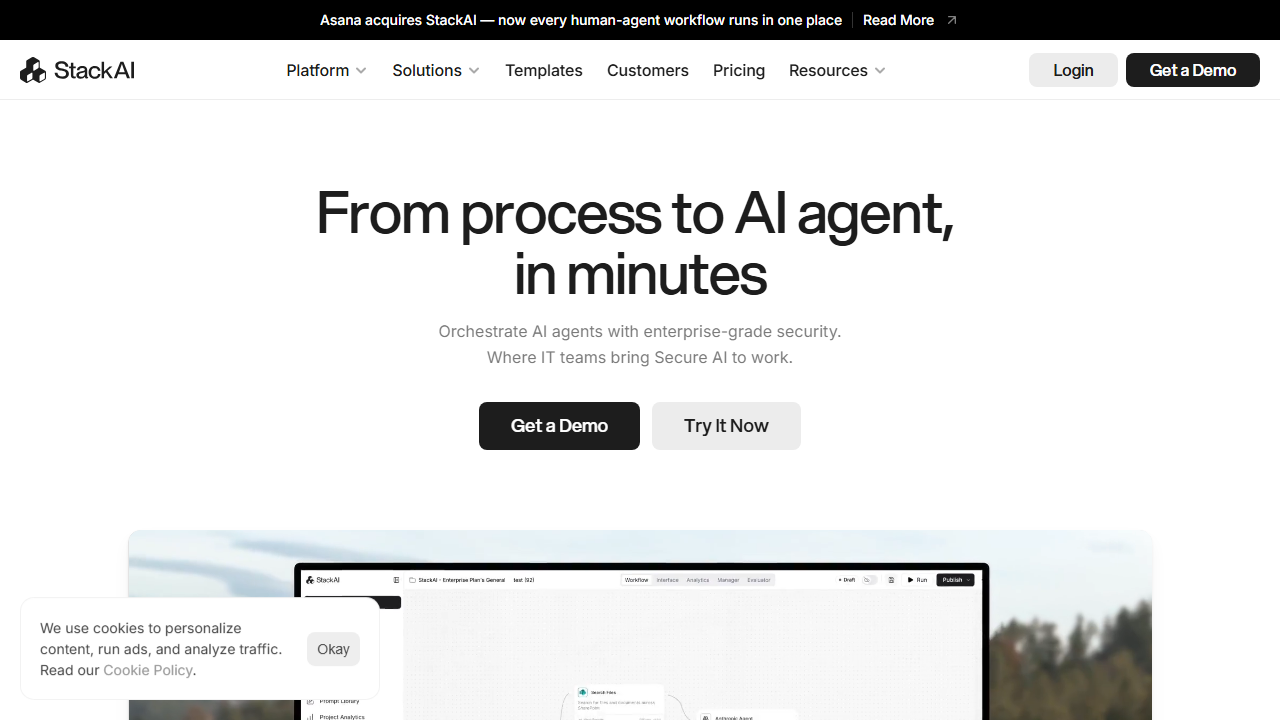
Stack AI is a no-code artificial intelligence platform that enables users to build workflows, chat interfaces, and automation sequences through a visual drag-and-drop editor. Founded by a team of MIT alumni with backgrounds in machine learning and enterprise software, the platform aims to bridge the gap between powerful AI models and business users who lack technical expertise.
The platform functions as an abstraction layer over various large language models including OpenAI’s GPT series, Anthropic’s Claude, and open-source alternatives. Rather than forcing you to write API calls and manage prompts manually, Stack AI provides pre-configured nodes for common AI operations. You connect these nodes to data sources, business logic, and output interfaces to create functional AI applications.
For freelancers, Stack AI opens up service categories that previously required software engineering skills. You can build client-facing chatbots trained on custom knowledge bases, internal tools that process and analyze documents, lead qualification systems, content generation pipelines, and customer support automations. All of this happens within a browser-based interface that resembles modern design tools more than traditional development environments.
The platform positions itself between simple chatbot builders and full development frameworks. It is more powerful than tools that only offer pre-built templates, but more accessible than writing custom Python applications. This middle ground appeals to freelancers who need customization without coding, such as marketing consultants, operations specialists, and virtual agencies.
How to Get Started with Stack AI
Onboarding with Stack AI involves more steps than simple automation tools because the platform’s capabilities are broader. I documented the complete setup process to highlight what is intuitive and what requires patience. Expect to spend about an hour on initial configuration before building your first meaningful project.
Step 1: Sign Up
Visit stack-ai.com and create an account using your email or Google authentication. The free tier provides enough credits to build and test several small projects. No credit card is required, and you receive guided onboarding that explains the platform’s core concepts of stacks, nodes, and deployments.
During registration, Stack AI asks about your intended use case. Options include customer support chatbots, internal knowledge bases, lead generation, content creation, and data analysis. Your selection influences the templates and tutorials suggested during onboarding. I selected customer support automation and received relevant starting points.
Step 2: Understand the Interface
Stack AI’s interface is divided into three main areas: the node library on the left, the canvas in the center, and the configuration panel on the right. Nodes represent operations like AI prompts, database queries, API calls, and conditional logic. You drag nodes onto the canvas and draw connections between them to define how data flows through your application.
The interface resembles tools like Figma or Retool, which will feel familiar to designers and operations professionals. I found the learning curve manageable compared to traditional integrated development environments. However, the sheer number of node types can overwhelm new users. I recommend starting with simple two-node workflows and adding complexity gradually.
Step 3: Build a Simple Workflow
I built my first Stack AI project by following a template for a FAQ chatbot. The workflow consisted of a user input node, a knowledge base retrieval node, an AI response generation node, and an output node. Stack AI guided me through connecting a knowledge base, uploading documents, and configuring the AI model to answer questions based on the uploaded content.
The process took about twenty minutes from start to a working prototype. I uploaded a PDF of common client questions, and the chatbot immediately began answering accurately based on the document contents. This quick win demonstrated the platform’s core value proposition: building functional AI tools without writing code.
Step 4: Configure AI Models
Stack AI lets you choose which AI model powers each node. Options include GPT-4o, GPT-4o-mini, Claude 3.5 Sonnet, Claude 3 Haiku, and several open-source models. The configuration panel shows estimated costs per execution and response time predictions for each model. I appreciated this transparency, which helps balance quality against budget constraints.
For my testing, I used Claude 3.5 Sonnet for complex reasoning tasks and GPT-4o-mini for simple text formatting. Stack AI handles API key management and rate limiting automatically, so you do not need separate accounts with OpenAI or Anthropic. This convenience saves setup time but means you pay Stack AI’s markup on AI usage.
Step 5: Deploy Your Project
Stack AI offers multiple deployment options. You can embed chatbots on websites using an iframe or JavaScript snippet, share workflows via public links, or trigger them through webhooks and API endpoints. I deployed my FAQ chatbot to a test website by copying and pasting a single embed code. The chat interface was customizable with colors, logos, and welcome messages.
For internal tools, Stack AI provides a shareable URL that opens the workflow interface directly. I created a document analysis tool that my client could access through a bookmarked link without needing a Stack AI account. This ease of sharing makes Stack AI suitable for delivering client-facing tools quickly.
Stack AI Key Features for Freelancers
Stack AI’s feature set is broad, covering chatbot creation, workflow automation, document analysis, and AI application deployment. I tested the features most relevant to freelance service delivery to assess their practical value and limitations.
Visual Workflow Builder
The workflow builder is Stack AI’s central feature and the interface you will use for most projects. It supports dozens of node types including AI prompts, data transformations, API requests, database operations, conditional branches, loops, and user interface elements. The canvas allows zooming, panning, and grouping nodes into labeled sections for organization.
I built a lead qualification workflow that ingests form submissions, uses AI to score lead quality based on responses, enriches the data with a web search node, and routes hot leads to a CRM while sending nurture emails to cold leads. The visual layout made explaining the logic to my client straightforward during a video call.
The builder enforces data type consistency between connected nodes, which prevents many common errors. When I tried to connect a text output to a numeric input, Stack AI warned me and suggested a conversion node. This validation helps non-technical users avoid subtle bugs that would crash a coded application.
Knowledge Base and Retrieval-Augmented Generation
Stack AI includes built-in vector database functionality for retrieval-augmented generation, which means your AI applications can answer questions based on uploaded documents rather than just training data. You upload PDFs, Word documents, web pages, or text files, and Stack AI indexes them for semantic search.
I created a knowledge base from a client’s 50-page training manual and built a chatbot that answers employee questions about company policies. The responses were accurate for factual questions and appropriately cautious when asked about topics not covered in the documents. The knowledge base updates automatically when you upload new files.
The retrieval system supports chunking strategies, overlap settings, and metadata filtering. While these options are powerful, they can confuse beginners. Stack AI offers sensible defaults that work for most use cases, and you can tweak advanced settings as you learn. I stuck with defaults and achieved good results without understanding every parameter.
Multi-Model AI Support
Stack AI does not lock you into a single AI provider. The platform offers access to OpenAI, Anthropic, Cohere, and open-source models through a unified interface. You can use different models for different nodes within the same workflow, optimizing for cost, speed, or quality as needed.
I tested a workflow that used Claude 3.5 Sonnet for drafting a long-form article, then switched to GPT-4o-mini for generating social media excerpts from that article. This multi-model approach reduced costs by 60 percent compared to using the most expensive model for everything, while maintaining high output quality where it mattered.
The platform also supports fine-tuned models and custom endpoints for enterprise users. While most freelancers will not need these features, they demonstrate Stack AI’s ambition to serve users with advanced requirements. The model selection interface clearly shows pricing per thousand tokens, helping you make informed cost decisions.
Chatbot and Interface Designer
Beyond backend workflows, Stack AI includes tools for designing user-facing interfaces. The chatbot designer lets you customize the appearance, welcome message, suggested questions, and behavior of embedded chat widgets. You can also build form-based interfaces, dashboards, and simple web pages that trigger your workflows.
I designed a branded chatbot for a client’s customer support page with their logo, color scheme, and custom avatars. The interface builder is not as flexible as custom web development, but it produces professional results without touching CSS or HTML. My client was satisfied with the appearance, and deployment took minutes rather than days.
For internal tools, the form designer lets you create data entry interfaces that feed into AI processing workflows. I built a content brief generator where my client fills out fields for target audience, tone, and key points, then Stack AI produces a structured brief ready for writer assignment. This turned a manual process into a self-service tool.
API and Webhook Integration
Stack AI can connect to external services through HTTP request nodes, webhook triggers, and native integrations. The native integration list includes popular tools like Salesforce, HubSpot, Slack, Notion, Airtable, Zapier, and Make. For services without native support, the HTTP node handles raw API calls with configurable headers, authentication, and payload formatting.
I integrated Stack AI with a client’s proprietary project management tool using the HTTP node. After reading the API documentation, I configured authentication headers and JSON payloads to create tasks and update statuses automatically. The setup required about thirty minutes, which is reasonable for custom integrations.
Webhook triggers allow external services to initiate Stack AI workflows in real time. I configured a Stripe webhook that triggers a workflow whenever a client receives a payment, generating an invoice summary and notifying the team in Slack. This event-driven architecture ensures timely responses without constant polling.
Analytics and Monitoring
Understanding how your AI applications perform is essential for optimization and client reporting. Stack AI provides an analytics dashboard showing conversation volumes, token usage, response times, error rates, and user satisfaction scores. For chatbots, you can see which questions users ask most frequently and where the bot fails to answer correctly.
I used the analytics to identify that 25 percent of user questions in my client’s chatbot were about a topic not covered in the knowledge base. I added relevant documents, retrained the retrieval system, and saw the unresolved query rate drop significantly. This data-driven improvement process is much more effective than guessing what users need.
The platform also stores conversation logs and execution histories, which you can export for external analysis or compliance purposes. I export monthly reports for my clients showing how many queries the bot handled, what topics were most common, and how many escalated to human agents. These metrics justify ongoing maintenance contracts.
Pricing: Is It Worth It?
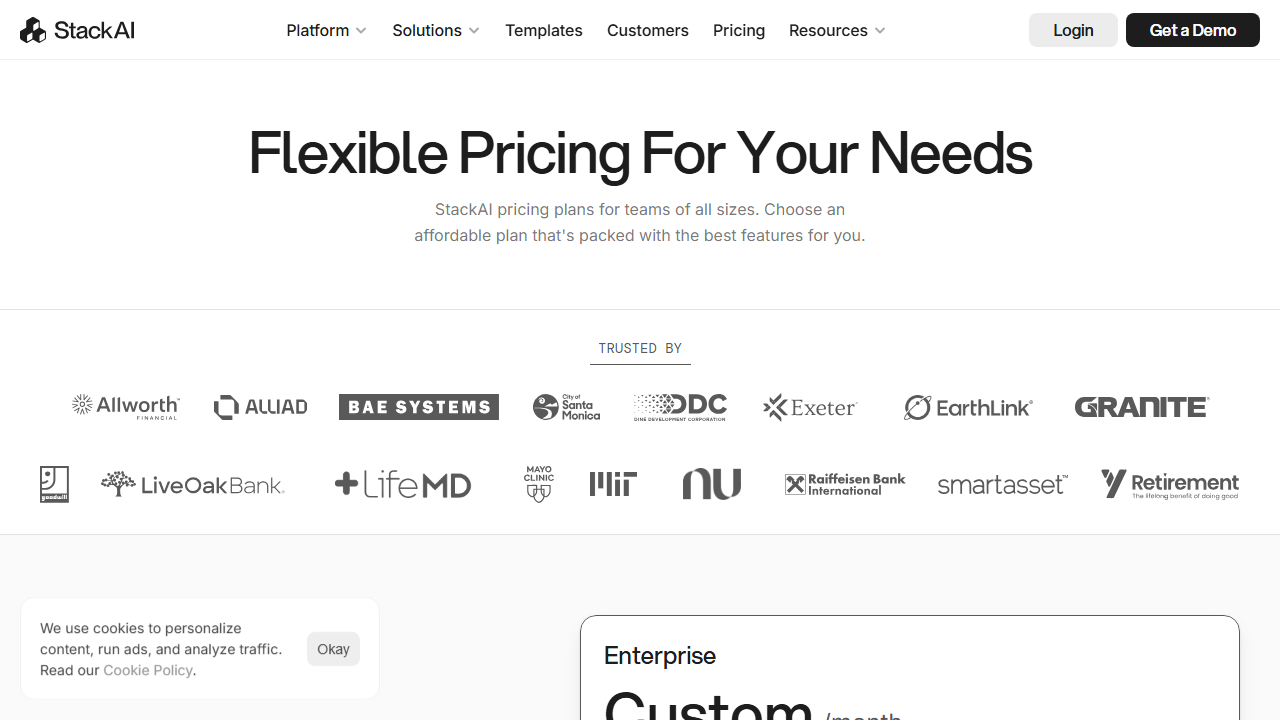
Stack AI’s pricing in 2026 follows a usage-based model with monthly subscription tiers. The costs are higher than basic automation tools but competitive with other AI application platforms. I evaluated each tier based on AI credit limits, project allowances, and feature access.
- Free: $0/month – Limited AI credits per month, up to 3 projects, basic models, community support, and Stack AI branding on deployed apps. Suitable for learning and proof-of-concept work.
- Starter: $49/month – Increased AI credits, up to 10 projects, access to standard models, removed branding, and email support. This tier works for freelancers with a few active client projects.
- Pro: $199/month – Higher AI credit limits, unlimited projects, access to advanced models including Claude 3.5 Sonnet and GPT-4o, priority support, custom domains, and team collaboration. Best for freelancers running multiple client applications or agency work.
- Enterprise: Custom pricing – Unlimited AI credits, SLA guarantees, dedicated infrastructure, advanced security, SSO, and custom contracts. Targets agencies and larger organizations.
The free tier is genuinely useful for learning, but the AI credit limit and project cap make it impractical for production work. Most freelancers will need the Starter plan at $49 per month to remove branding and gain sufficient credits for client-facing tools. The Pro plan at $199 per month is a significant jump that only makes sense for high-volume users or those who need advanced models.
One pricing concern is that AI credits are consumed quickly when using powerful models. A single conversation with GPT-4o can use hundreds of credits depending on length. I recommend starting with cheaper models for prototyping and upgrading to premium models only for final client delivery. Stack AI provides real-time credit usage tracking to help you stay within budget.
Compared to hiring a developer to build custom AI tools, Stack AI is remarkably affordable. Even at $199 per month, you get capabilities that would cost thousands in custom development. However, compared to simpler no-code tools, Stack AI’s pricing is on the higher end. The value depends entirely on whether you need AI-specific features or could achieve your goals with cheaper alternatives.
Pros and Cons
After building multiple projects on Stack AI, I have a clear picture of where it excels and where it struggles. Here is my honest assessment for freelancers considering this platform.
Pros
- The visual builder makes AI application development accessible to non-coders.
- Multi-model support lets you optimize for cost and quality within the same workflow.
- Built-in knowledge bases enable accurate retrieval-augmented generation without external tools.
- Deployment options including embeddable widgets and shareable links require no hosting setup.
- Analytics and conversation logs provide concrete data for client reporting.
- The interface designer produces professional-looking chatbots and forms quickly.
- API and webhook support enables integration with virtually any external service.
- Data type validation prevents common connection errors between nodes.
- Templates accelerate project delivery for common use cases.
- Transparent AI credit pricing helps you manage costs predictably.
Cons
- The $49 Starter plan may feel expensive for freelancers just experimenting with AI tools.
- AI credits are consumed rapidly with advanced models, leading to unexpected costs.
- The sheer number of features and options can overwhelm beginners.
- Some advanced features like custom model fine-tuning are only available on expensive tiers.
- Knowledge base accuracy depends heavily on document quality and formatting.
- The interface builder is less flexible than custom web development for unique design requirements.
- Occasional platform slowness during peak hours affects the building experience.
- Documentation is extensive but sometimes lacks practical examples for niche use cases.
Who Should Use Stack AI?
Stack AI is best for freelancers who want to build AI-powered tools and chatbots for clients without learning to code. Marketing consultants can create content generators and lead qualification bots. Customer support specialists can build knowledge base assistants that reduce ticket volume. Operations consultants can design internal tools that process documents and extract insights.
Freelance writers and content agencies can use Stack AI to create briefing tools, style guide checkers, and first-draft generators. Virtual assistants can build client-facing portals that answer common questions and collect intake information. Web designers can add AI chatbots to client sites without subcontracting development work.
However, pure developers will likely find Stack AI limiting compared to building directly with AI APIs. If you are comfortable writing Python and managing your own infrastructure, you get more control and lower per-request costs by going direct. Stack AI trades some power and cost efficiency for dramatic time savings and accessibility.
Freelancers on tight budgets should carefully evaluate whether they truly need AI-specific features. If your projects involve simple form submissions and email notifications without artificial intelligence, platforms like Gumloop review alternatives or basic automation tools may serve you better at lower cost. Reserve Stack AI for projects where AI reasoning, generation, or document understanding adds genuine value.
Final Verdict
This Stack AI review concludes that the platform is a solid choice for freelancers who need to deliver AI-powered solutions without writing code. The visual builder, multi-model support, and built-in knowledge bases make it possible to build impressive client tools in hours rather than weeks. I have successfully delivered chatbot and workflow projects using Stack AI that would have required expensive development resources otherwise.
The primary caveats are cost and complexity. At $49 per month for the entry paid tier and rapidly consumed AI credits, Stack AI is not a casual purchase. The feature density can overwhelm newcomers, and some capabilities feel like they were added to check boxes rather than solve real problems organically. You need a clear project in mind to justify the investment.
I recommend starting with the free tier and completing one full project before upgrading. Choose a use case where AI adds clear value, such as a knowledge base chatbot or document analysis tool. Monitor your credit usage carefully, prototype with cheaper models, and set clear expectations with clients about AI limitations. For non-technical freelancers ready to offer AI services, this Stack AI review gives a positive but budget-conscious recommendation.
Frequently Asked Questions
Do I need coding skills to use Stack AI?
No, Stack AI is designed for non-coders. The visual builder and pre-built nodes allow you to create AI applications without writing code. However, understanding basic concepts like variables, APIs, and data formats helps. For custom integrations, you may need to read API documentation, but you will not write traditional code.
What AI models does Stack AI support?
Stack AI supports OpenAI’s GPT-4o, GPT-4o-mini, Anthropic’s Claude 3.5 Sonnet and Claude 3 Haiku, Cohere models, and several open-source alternatives through a unified interface. The available models depend on your plan, with advanced models restricted to Pro and Enterprise tiers. You can use different models for different nodes within the same workflow.
Can I deploy Stack AI chatbots on client websites?
Yes, Stack AI provides embeddable chat widgets that you can add to any website with a simple JavaScript snippet. You can customize the appearance with client branding, colors, and logos. The Starter plan and above remove Stack AI branding, allowing a white-label appearance for client projects.
How accurate are knowledge base chatbots built with Stack AI?
Accuracy depends on the quality and formatting of your uploaded documents. For well-structured PDFs and text files, retrieval accuracy is typically 80 to 90 percent for factual questions. Ambiguous questions, poorly formatted source material, and topics outside the knowledge base reduce accuracy. Always test thoroughly before client delivery.
Is Stack AI suitable for high-traffic client deployments?
Stack AI can handle moderate to high traffic on Pro and Enterprise plans, but costs scale with usage due to AI credit consumption. For very high-traffic websites with thousands of daily chatbot users, custom-built solutions or enterprise-specific platforms may be more cost-effective. Monitor usage metrics closely and set up alerts.
How does Stack AI compare to Botpress?
Stack AI focuses on general AI workflow and application building with chatbot capabilities, while Botpress review platforms specialize specifically in conversational AI and chatbot deployment. Botpress offers deeper conversation design tools and better channel integrations for pure chatbot projects. Stack AI is more versatile for building non-conversational AI tools and complex workflows.
Can I export my projects from Stack AI?
Stack AI allows exporting workflow definitions in JSON format for backup and sharing. However, there is no direct import into other platforms, so migrating away requires rebuilding in a new tool. I recommend documenting your workflow logic independently as insurance against vendor lock-in, especially for complex client projects.
What happens if I run out of AI credits?
When you approach your monthly AI credit limit, Stack AI sends email warnings at 75 percent and 90 percent usage. If you exhaust your credits, workflows pause until the next billing cycle or until you upgrade. The dashboard shows real-time credit consumption by project, helping you identify heavy usage and optimize accordingly.
Does Stack AI offer customer support?
Free users access community forums and documentation. Starter plan subscribers receive email support with response times typically within 48 hours. Pro and Enterprise plans include priority support with faster response and optional video consultations. During my testing, email support was helpful for technical questions about node configuration.
Can multiple team members collaborate on Stack AI projects?
Team collaboration is available on Pro and Enterprise plans. You can invite team members, assign roles with different permission levels, and share projects within a workspace. Freelancers working with subcontractors or white-labeling for agencies will need at least the Pro plan to use these features effectively.