
Genspark Claw Review 2026: AI Employee for Freelancers?
Table of Contents: Quick Verdict | Rating | What Is It? | Getting Started | Key Features | Pricing | Pros and Cons | Final Verdict | FAQ
Quick Verdict
Most freelancers who hear about Genspark Claw fall into one of two camps. The first group hears “AI employee” and rolls their eyes. They have seen enough AI tools promise to replace their workload and deliver a glorified autocomplete. This is my honest Genspark Claw review.
The second group actually sets it up, delegates their first real task, and goes quiet for a few days because they are busy figuring out how much of their workflow they can hand over. This Genspark Claw review is for the second group. We tested it across real freelance workflows, pushed it on content, research, email, and automation tasks, and we are going to tell you exactly what it does well, where it falls short, and whether it belongs in your freelance toolkit in 2026.
Our Overall Rating: 4.3 out of 5
| Category | Score |
|---|---|
| Ease of Setup | 4.0/5 |
| Task Execution Quality | 4.5/5 |
| Automation Depth | 4.5/5 |
| Value for Money | 4.0/5 |
| Messenger Integration | 5.0/5 |
| Content Generation | 4.0/5 |
| Learning Curve | 3.5/5 |
| Overall | 4.3/5 |
What Is Genspark Claw?
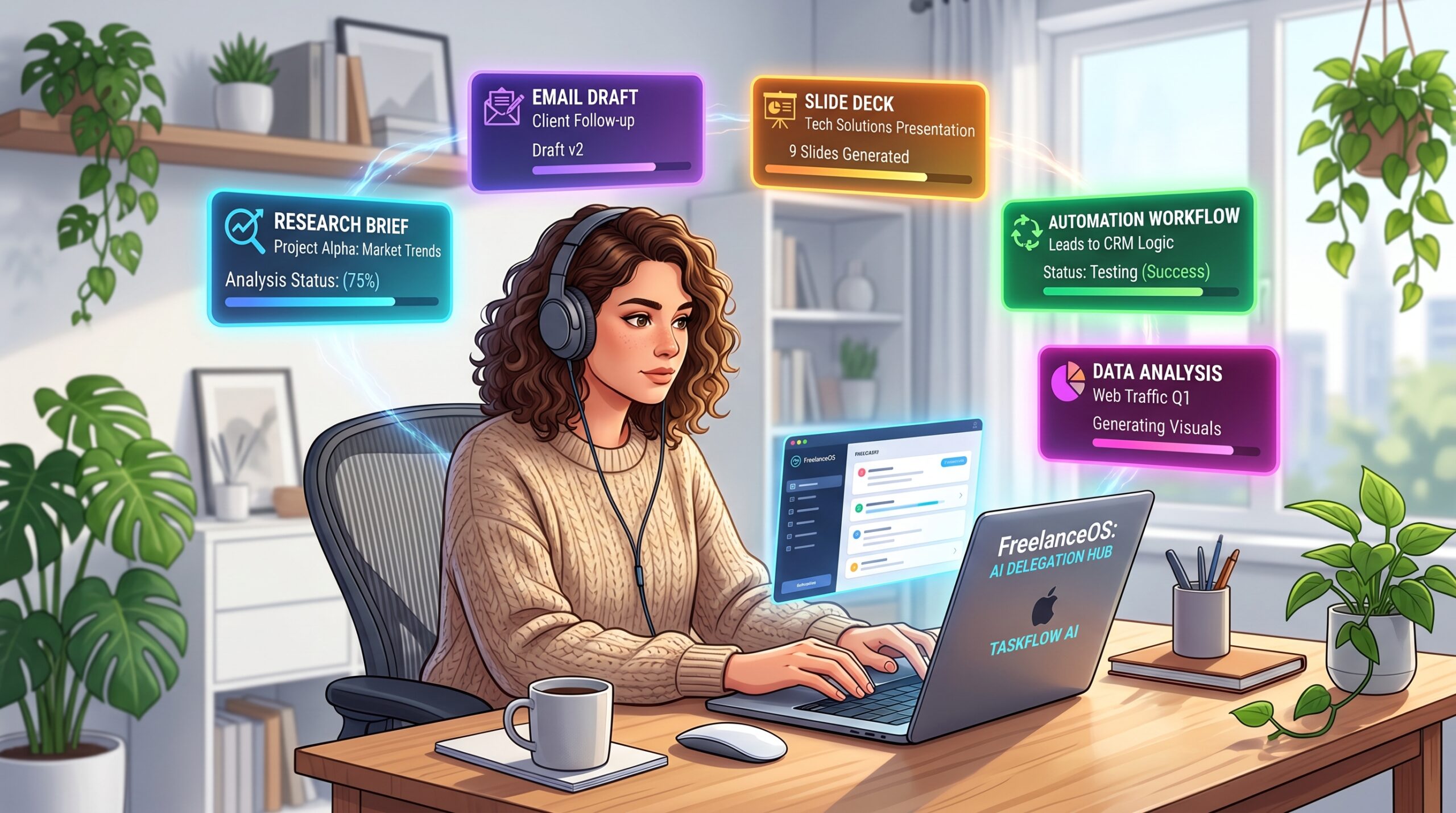
Genspark Claw is not a chatbot. That is the first thing you need to understand. Every other AI tool you have used responds to your questions.
Genspark Claw executes your tasks. The difference is enormous in practice. When you ask a chatbot to research five competitors, it gives you a list of bullet points and waits.
When you give Genspark Claw the same task, it opens browsers, reads pages, pulls data, organises findings, and returns a finished document. You delegated a task. It completed one.
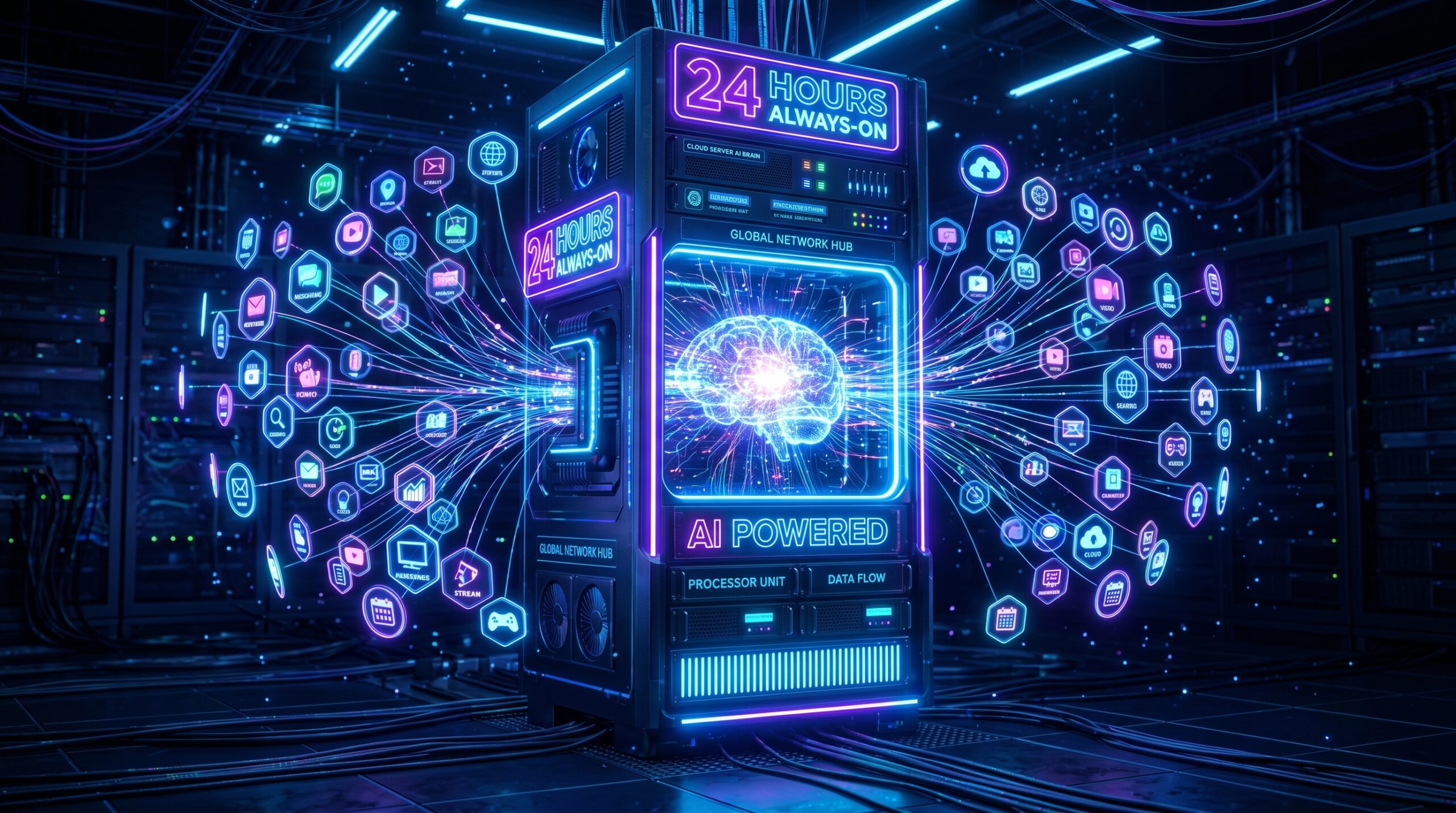
The engine behind this is a dedicated cloud computer that Genspark assigns to every user. Your AI employee runs on that machine 24 hours a day, seven days a week, even when your laptop is off. It connects to your tools, manages your files, handles your communications, and works through task queues while you focus on the parts of your work that actually need you.
How to Get Started with Genspark Claw
Step 1: Create Your Genspark Account
You can sign up directly at genspark.com to get started with a free account.
Go to genspark.
ai and sign up. The free trial gives you access to core features. No credit card is required to start.
The signup takes under two minutes and lands you directly in your Claw workspace.
Step 2: Set Up Your Cloud Computer
Once inside, Genspark provisions your dedicated cloud computer automatically. You will see it appear in your dashboard within seconds. This is your AI employee’s workstation. It runs independently from your machine and stays active around the clock.
Step 3: Connect Your Messaging Apps
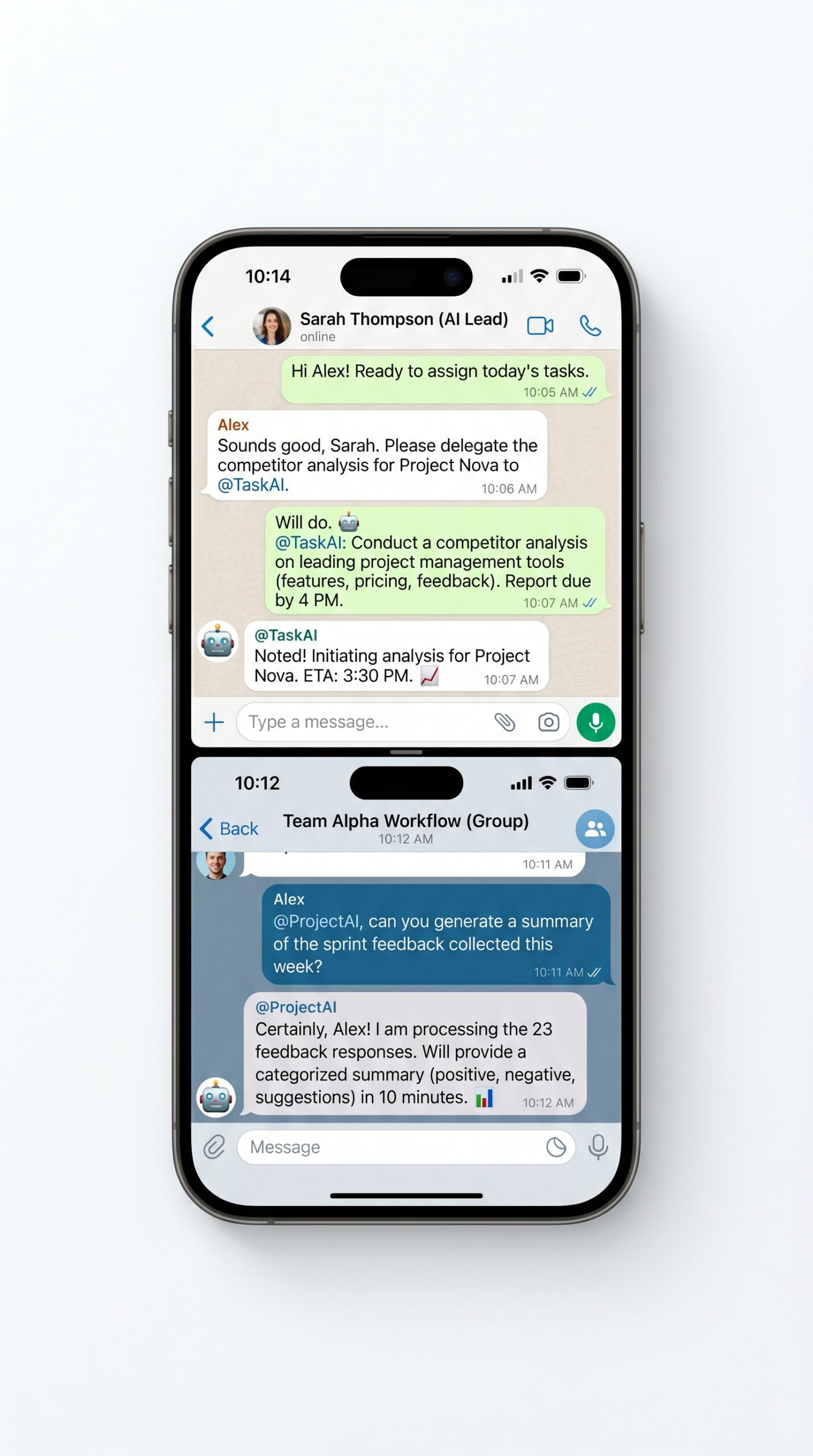
Navigate to Settings and connect the communication tools you use daily. Genspark Claw integrates with WhatsApp, Slack, Telegram, Microsoft Teams, and LINE. Once connected, you can delegate tasks directly from your phone via voice note or message without ever opening a browser.
Step 4: Install Claw for Desktop (Optional)
Download the Claw desktop client if you want your AI employee to manage local files on your computer. The desktop version unlocks Computer Use capabilities, meaning Claw can interact with apps on your screen, fill forms, navigate interfaces, and complete multi-step desktop tasks that would otherwise require your manual attention.
Step 5: Give Your First Real Task
Start with something you actually need done today. Not a test. A real task.
Write a research brief, draft a client proposal outline, or ask it to analyse a competitor website and summarise the findings. Frame your request as an outcome you want delivered, not a series of instructions.
Step 6: Review and Expand Your Skill Set
Genspark Claw runs on Skills, which are specialised capability modules across 15 categories including content creation, automation, research, code writing, and productivity. Browse the Skills library and activate the ones that match your freelance work.
Genspark Claw Key Features for Freelancers
Dedicated Cloud Computer
Your AI employee runs on an isolated, always-on cloud machine. This means tasks keep running after you close your laptop, sensitive data is never mixed with other users, and you are not burning your own device’s resources on heavy automation.
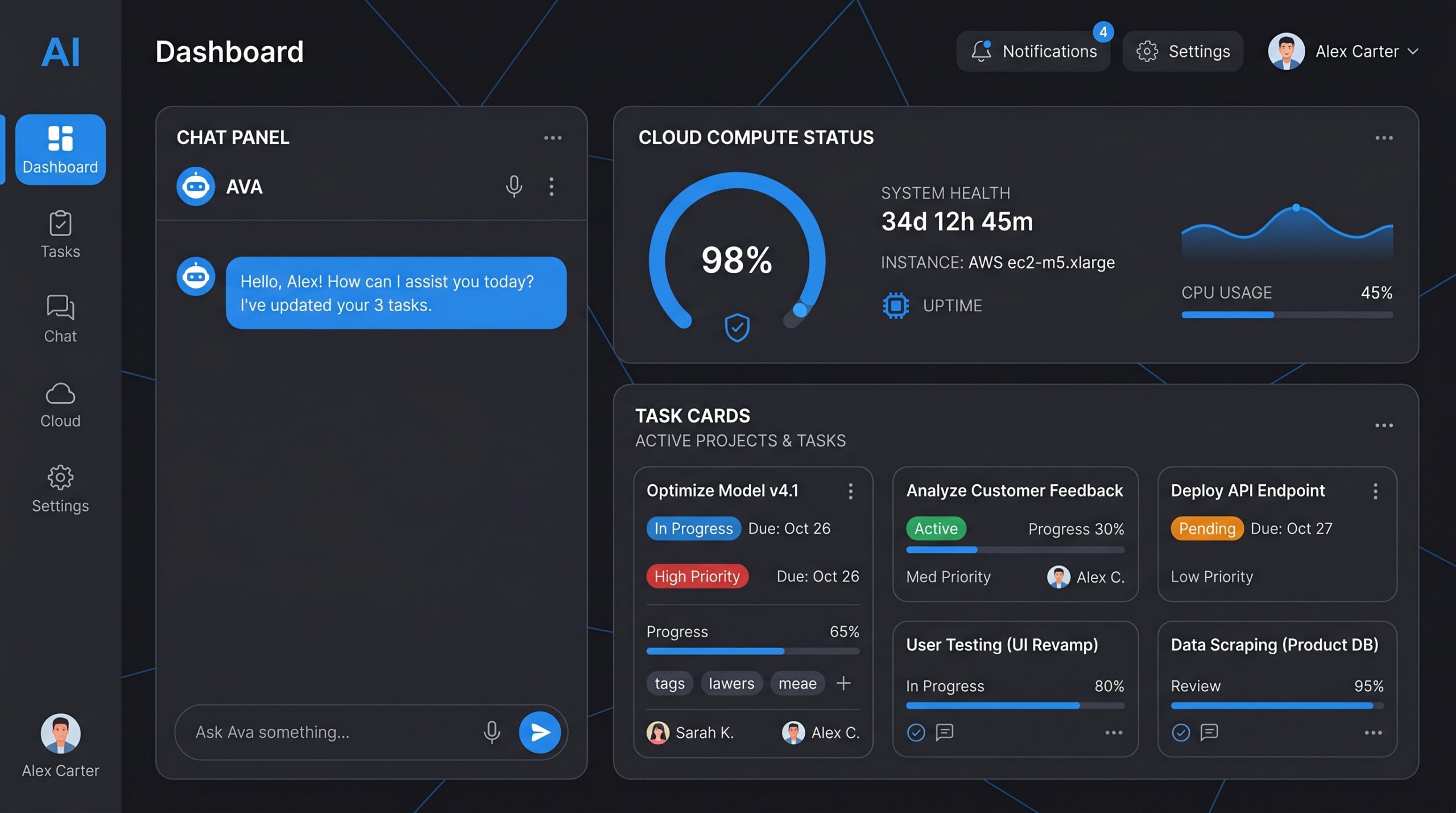
Multi-Messenger Delegation
This is the feature that changes daily work most visibly. Once you connect WhatsApp or Telegram, your entire Genspark Claw workspace becomes accessible from your phone. Send a voice note on the way to a meeting, delegate a research task, and come back to a finished document.
Model Switching
Genspark Claw gives you access to multiple AI models including GPT-5, Claude Opus, and Gemini Pro, and you can switch between them depending on the task. The ability to route tasks to the right model without managing separate subscriptions is a real practical advantage.
Content Generation Suite
The content tools inside Genspark Claw cover images (14 models), videos (13 models), audio, voiceover, music, documents, and slide decks. For freelancers who produce content across multiple formats for clients, having all of these accessible from a single platform reduces tool-switching overhead significantly.
Workflow Automation
The no-code automation engine connects to around 20 platforms including Notion, Google Workspace, Salesforce, and social media tools. You can build repeating workflows that run on a schedule without manual triggers.
AI Voice Calls
Genspark Claw can make outbound phone calls on your behalf. You brief it on the purpose of the call, it makes the call, and it returns a summary. This is a niche feature but a powerful one for freelancers who need to follow up with contacts or gather information without committing time to the call themselves.
My First Week Using Genspark Claw: An Honest Account
I want to be straight about what the first week actually looked like. It was not smooth from day one. The interface is not as immediately intuitive as simpler tools, and the first few tasks I delegated came back incomplete because my prompts were not specific enough about the outcome I wanted.
The shift happened on day three. I had a client research brief I needed done before a morning call. I wrote a proper outcome-oriented prompt, specifying the exact format I wanted, the sources I needed covered, and what questions the document had to answer.
Claw came back with a twelve-section research document that would have taken me three hours to build manually. It took me twenty minutes to review and edit it.
By the end of the week I had connected WhatsApp and started delegating tasks from my phone. That changed everything again. The week-one friction is real.
The week-two productivity gain is also real. Push through the learning curve and you will find the tool earns its place.
Genspark Claw Pros and Cons for Freelancers
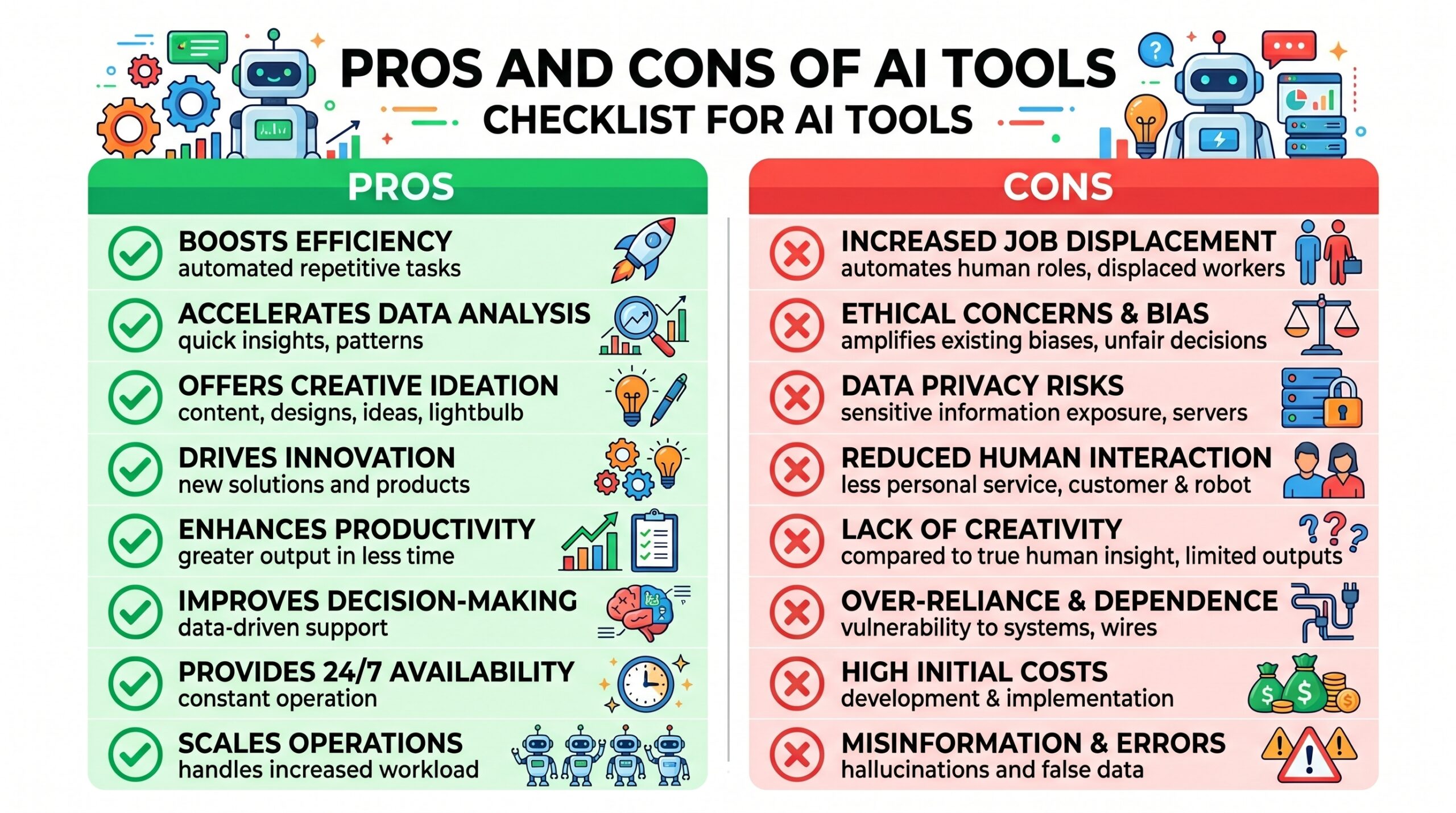
What Genspark Claw Does Well
- Executes tasks end-to-end instead of just providing instructions, which is the fundamental difference from every other AI tool on the market.
- Messenger integration is genuinely seamless. Delegating via WhatsApp from your phone is as natural as texting a human assistant.
- The dedicated cloud computer keeps working after you close your laptop, which means overnight research, scheduled tasks, and multi-step workflows all run without your involvement.
- Access to multiple top AI models under one subscription reduces the cost and friction of managing separate ChatGPT, Claude, and Gemini accounts.
- The content generation suite covers images, video, audio, and documents in one place, which cuts tool-switching overhead for content freelancers significantly.
- Privacy isolation means your data is never shared across users, which matters for freelancers handling client-sensitive work.
Where Genspark Claw Falls Short
- The credit system requires careful management. Complex tasks and video generation consume credits fast.
- The prompt learning curve is steeper than standard chatbot tools. Getting consistently strong results requires outcome-oriented prompting that takes time to develop.
- Third-party app integration is expanding but not yet universal. Some tools in your existing stack may not be connected yet.
- The platform requires a stable internet connection. There is no meaningful offline capability.
Common Challenges With Genspark Claw (And How to Fix Them)
Challenge 1: Tasks Come Back Incomplete or Off-Target
What happens: You delegate a research or writing task and the output misses the point, covers the wrong angle, or stops halfway through.
Why it happens: Your prompt described an activity rather than an outcome. Genspark Claw needs to know what finished looks like, not just what you want it to do.
The fix: Reframe every prompt around the deliverable. Instead of “research AI writing tools”, write “Produce a comparison table of the top 5 AI writing tools for freelancers in 2026, covering pricing, key features, and best use case for each.”
Challenge 2: Credits Running Out Faster Than Expected
What happens: Your credit balance drops faster than your usage seems to justify.
Why it happens: Automated workflows running on loops, video generation tasks, or active heartbeat schedules consume credits at a much higher rate than simple text tasks.
The fix: Audit your active workflows and scheduled tasks weekly. Turn off any automation loops you are not actively using. Set hard stops on scheduled workflows so they do not run indefinitely.
Challenge 3: Not Sure How to Use It for Your Specific Freelance Work
What happens: The platform feels powerful in demos but you cannot translate it to your actual client work.
The fix: Write down the five tasks in your freelance week that consume the most time and require the least creative judgment. Admin, research, first drafts, formatting, scheduling. Those are your starting points. Delegate one of them to Claw this week.
Genspark Claw vs. Other AI Tools for Freelancers
The honest comparison is not Genspark Claw versus Writesonic or Jasper.
Those are content generation tools. Genspark Claw is an execution platform. The better comparison is against hiring a part-time virtual assistant.
A VA who can write, research, automate, manage communications, and work through the night without overtime costs somewhere between $800 and $2,000 per month at minimum. Genspark Claw covers most of that function at a fraction of the cost, without onboarding time, sick days, or inconsistency.
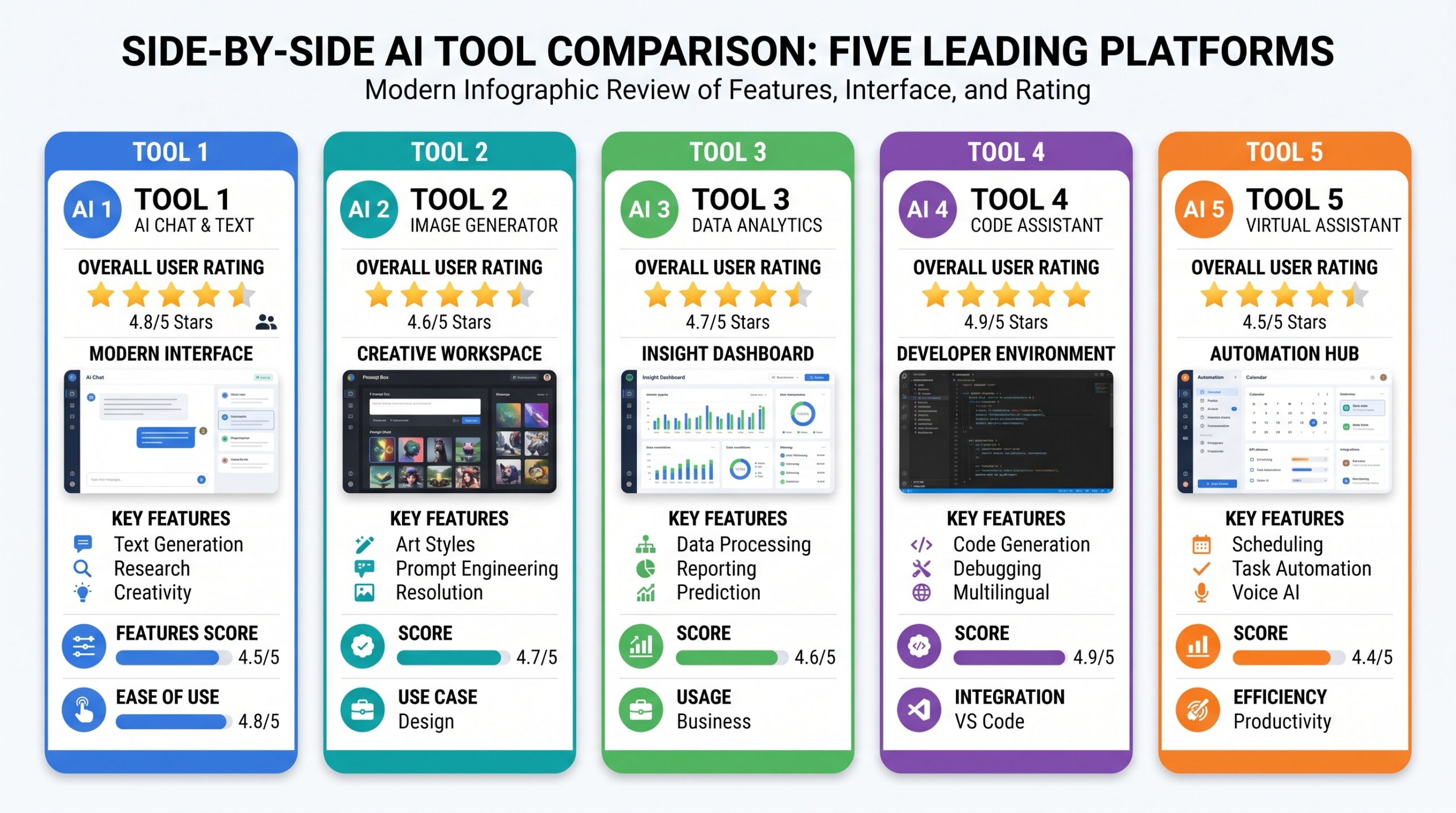
| Feature | Genspark Claw | Claude Computer Use | AutoGPT | Microsoft Copilot | Taskade AI |
|---|---|---|---|---|---|
| Task Execution | End-to-end autonomous | Browser + desktop tasks | Goal-based loops | Microsoft 365 tasks | Project-based tasks |
| Dedicated Cloud Computer | Yes, always-on | No | No | No | No |
| Messenger Integration | WhatsApp, Slack, Telegram | No | No | Teams only | Slack only |
| Multi-Model Access | GPT-5, Claude, Gemini | Claude only | GPT-4 | GPT-4 | Multiple |
| Content Generation | Images, video, audio, docs | Text only | Text only | Text and images | Text and docs |
| Best For | Full workflow delegation | Desktop automation | Dev workflows | Office workers | Team projects |
Who Should Use Genspark Claw in 2026
Genspark Claw makes the most sense for freelancers who are already comfortable with AI tools and want to move from prompting to delegating. If you have been using ChatGPT or Claude for individual tasks and want something that handles entire workflows without your constant involvement, Claw is the logical next step. It is particularly well suited to freelancers who produce content at volume, manage multiple clients simultaneously, or run repeating processes that currently require manual execution every time.
It is less well suited to freelancers who are new to AI tools entirely. The platform rewards users who understand how to write clear, outcome-oriented instructions. Build your AI prompting skills with simpler tools first, then bring that knowledge to Claw when you are ready to scale what you delegate.
If you are comparing AI tools for freelancers, you might also want to read my Lovable AI review and Komos AI review.
Final Verdict: Genspark Claw Review 2026
This Genspark Claw review comes back with a clear conclusion: if you are serious about scaling your freelance output without adding work hours, Genspark Claw is one of the most powerful tools available in 2026. The dedicated cloud computer, messenger delegation, multi-model access, and end-to-end task execution put it in a different category from standard AI writing or productivity tools. It is not perfect.
The credit system needs monitoring, the prompt learning curve is real, and not every integration you need may be available yet. But the core capability, an AI that actually completes tasks rather than just assisting with them, is a genuine shift in how freelancers can work.
Start with the free trial. Give it one real task from your actual client work. If the output saves you meaningful time, the subscription pays for itself in the first week.
Frequently Asked Questions
Is Genspark Claw free to use?
Genspark Claw offers a free trial that gives you access to core features without requiring a credit card. The free tier is enough to evaluate the platform and test its task execution on real work. Paid plans unlock higher credit limits, more advanced models, and expanded integration options.
What makes Genspark Claw different from ChatGPT?
ChatGPT responds to prompts. Genspark Claw executes tasks. The difference in practice is that Genspark Claw can take a multi-step outcome, work through each step independently on its cloud computer, and return a finished result without you managing each stage.
ChatGPT requires you to stay in the loop at every step. Genspark Claw does not.
Can Genspark Claw write blog posts for my freelance clients?
Yes. Content generation is one of Genspark Claw’s core capabilities. You can delegate article briefs, specify keyword targets, word counts, and tone, and receive drafted posts for review.
The quality depends heavily on the clarity of your brief. Treat the output as a strong first draft that needs your editorial review before client delivery.
How does the credit system work?
Genspark Claw runs on a credit-based model where different tasks consume different amounts of credits. Simple text tasks use credits slowly. Video generation, complex automation workflows, and AI voice calls consume significantly more. Monitor your credit usage in the dashboard and deactivate unused workflows to manage your balance efficiently.
Is Genspark Claw safe for client-sensitive work?
Genspark Claw uses a privacy-by-isolation model where each user’s data is kept entirely separate from other users on a dedicated cloud environment. The platform does not use your data to train shared models. For freelancers handling confidential client information, this isolation offers stronger privacy guarantees than shared-model AI tools.
What freelance tasks is Genspark Claw best at?
Research briefs, competitive analysis, content drafting, email management, scheduling, slide deck creation, and repeating automation workflows are where Genspark Claw delivers the clearest time savings for freelancers. Tasks requiring highly specialised expertise, strong established brand voice, or deep creative judgment still need significant human input alongside the AI output.