
Reclaim Review 2026: Smart Calendar Automation for Freelancers (Tested)
Reclaim Review 2026: Smart Calendar Automation That Defends Focus Time
If you are a freelancer who constantly fights calendar chaos, this Reclaim review will show you exactly how one tool can reclaim your schedule and protect your deep work hours. I spent three weeks testing Reclaim.ai with my Google Calendar, multiple client projects, and scattered personal commitments to see if it lives up to the hype. What I discovered is a scheduling assistant that thinks like a human assistant but works at machine speed.
Freelancers live and die by their calendars. One missed meeting or overlapping deadline can damage a client relationship permanently. Reclaim promises to end that stress by using artificial intelligence to build your ideal week automatically. In this detailed Reclaim review, I will walk you through every feature, every pricing tier, and every real-world scenario I tested so you can decide if it fits your workflow.
Quick Verdict
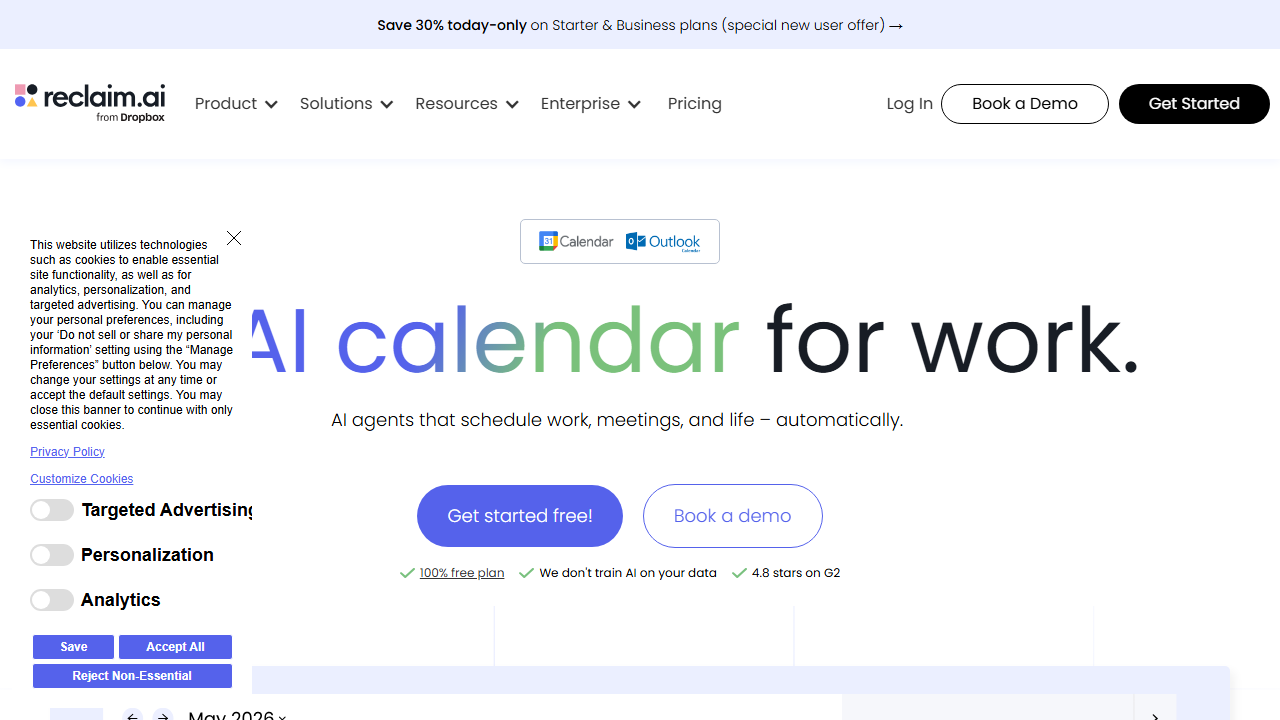
Reclaim.ai is an intelligent calendar assistant that automatically schedules tasks, habits, and focus time around your existing meetings. It is best for freelancers and remote workers who want to protect deep work without manually blocking calendar slots every Sunday night.
The tool connects to Google Calendar and Microsoft Outlook, then uses AI to find the best times for your priorities. It shifts blocks dynamically as meetings get added, which means your focus time never gets pushed into oblivion without a fight.
Our Overall Rating: 4.2 out of 5
I rate Reclaim 4.2 out of 5 because it delivers genuinely intelligent scheduling that reduces calendar anxiety for freelancers. The AI understands priority levels, respects your working hours, and adapts quickly when client calls pop up unexpectedly.
The 0.8 deduction comes from occasional syncing delays with Microsoft Outlook and a learning curve that can confuse users during the first week. Once you understand how Habits and Smart Meetings interact, the experience becomes smooth. For the price of a few coffees per month, the time savings are real.
What Is Reclaim?
Reclaim.ai is a calendar automation platform built by a San Francisco-based team led by founders Henry Shapiro and Patrick Lightbody. The company launched with a simple mission: make time management automatic so knowledge workers can focus on actual work instead of playing calendar Tetris.
The product sits between your calendar and your task list. It reads your existing events, learns your preferences, and inserts smart blocks for habits, tasks, and focus sessions. Unlike basic calendar apps that only store events, Reclaim actively manages your time by reshuffling blocks when priorities change.
For freelancers, this matters because you rarely have a single boss setting your schedule. You juggle client calls, project deadlines, invoicing, marketing, and personal errands. Reclaim treats all of these as schedulable objects and finds room for each one based on urgency and your stated preferences. It is like hiring a part-time scheduler who never sleeps and never forgets.
The platform integrates with Google Calendar, Outlook, Slack, Zoom, Asana, Trello, Jira, ClickUp, Todoist, and many other tools. This means your tasks from project management apps can automatically become calendar blocks with the right priority labels. You do not have to copy and paste tasks into your calendar anymore.
How to Get Started with Reclaim
Setting up Reclaim takes about fifteen minutes if you already know your priorities. I recommend blocking out a short session to configure it properly because the initial choices determine how well the AI serves you later. Rushing the setup leads to poorly placed focus blocks that you will end up ignoring.
Step 1: Sign Up
Visit reclaim.ai and click the sign-up button. You can create an account with your Google or Microsoft credentials, which makes calendar connection instant. I used my Google Workspace account because most of my freelance clients schedule through Google Calendar.
The onboarding flow asks about your role, team size, and primary calendar. Select “Freelancer” or “Solo” if you work alone because this affects the default settings for focus time and meeting buffers. You can always change these later in the settings panel.
Step 2: Connect Your Calendar
After sign-up, Reclaim requests permission to access your calendar. Grant read and write access so the tool can create and move events on your behalf. I connected both my personal Gmail calendar and my business Google Calendar so Reclaim could see the full picture.
If you use multiple calendars, tell Reclaim which one is your primary scheduling calendar. The others will be treated as availability references. This prevents double-booking across personal doctor appointments and client video calls.
Step 3: Set Your Habits and Priorities
Habits are recurring activities you want to protect, such as morning exercise, lunch breaks, or deep work sessions. I created habits for “Client Work,” “Business Development,” “Email Processing,” and “Lunch.” Each habit gets a target duration, preferred time window, and priority level.
Reclaim asks how flexible each habit is. A daily lunch block might be “somewhat flexible,” while a weekly strategy review might be “strict.” The AI uses these labels to decide which blocks to move first when conflicts arise. I marked my deep work as “strict” and email time as “flexible” to protect creative hours.
Step 4: Integrate Task Managers
If you use Asana, Todoist, Trello, or ClickUp, connect those accounts next. Reclaim will pull tasks and schedule them as calendar blocks based on due dates and estimated duration. I linked Todoist and watched Reclaim turn my scattered task list into actual time commitments on my calendar.
You can also create one-off tasks directly inside Reclaim. These appear as “Smart Events” that the AI can move around to find the best time. I used this for urgent client revisions that needed to happen before the end of the week but did not have a fixed hour.
Step 5: Let AI Schedule Your Week
Once your habits and tasks are defined, Reclaim starts working within minutes. It scans your existing meetings, finds open slots, and drops colored blocks onto your calendar. Green blocks represent habits, blue blocks represent tasks, and purple blocks represent focus time.
During my first week, I watched Reclaim defend a two-hour writing block by shifting a non-urgent habit to the afternoon when a client call appeared. That automatic defense is the core value. You do not have to manually rebuild your calendar every time someone sends a meeting invite.
Reclaim Review: Key Features for Freelancers
The feature set in Reclaim goes far beyond simple calendar blocking. Each tool within the platform addresses a specific pain point that freelancers face daily. I tested every major feature with real client work to see which ones actually saved time.
Smart Scheduling
Smart Scheduling is the engine that powers Reclaim. The AI analyzes your calendar, identifies gaps, and places your habits and tasks in the optimal slots. It considers your energy levels, meeting density, and stated preferences to avoid cramming four hours of focus time after a day of back-to-back video calls.
I tested this by booking fake meetings across several days and watching how Reclaim redistributed my habits. On a Tuesday with three client calls, it split my deep work into two shorter blocks instead of one long session. On a lighter Thursday, it gave me a single three-hour stretch. The adaptability felt human.
The algorithm also learns over time. If you repeatedly reschedule a particular habit, Reclaim asks if you want to adjust the default time window. I had initially set my email processing for 9:00 AM, but I kept dragging it to 4:00 PM. After four days, Reclaim suggested moving the default to late afternoon, which matched my actual preference.
Focus Time Defense
Focus Time Defense is the feature that sold me on Reclaim. When someone sends you a meeting invite during a protected focus block, Reclaim can automatically decline or suggest alternative times. You set the aggressiveness level, from “passive” marking to “active” blocking.
I set my focus blocks to “defended” and watched what happened. A client tried to book a last-minute call during my scheduled writing time. Reclaim declined with a polite message offering two alternative slots later that day. The client picked one, and my deep work stayed intact.
This feature alone can save freelancers hours per week. Context switching destroys productivity, and calendar invasions are the main culprit. By giving Reclaim permission to guard your creative hours, you protect the work that actually earns money.
Habit Tracking
Habits in Reclaim are recurring calendar blocks with intelligence. You define what you want to do, how often, and how long. Reclaim then finds room for these habits even when your week gets crowded. Unlike rigid recurring events, Reclaim habits can shift days and times to accommodate changing schedules.
I created habits for exercise, meal breaks, weekly planning, and professional reading. Each habit got a priority score. When my calendar filled up, Reclaim still found thirty minutes for exercise by breaking it into two shorter sessions on an especially busy day.
The habit analytics show completion rates over time. I could see that I hit my deep work habit eighty-five percent of the time in week one, which dropped to sixty percent in week two due to an unexpected client crisis. Seeing that data helped me set more realistic targets and communicate boundaries better.
Buffer Time
Buffer Time automatically adds travel or prep time before and after meetings. Freelancers often forget to account for the mental reset needed between video calls. Reclaim inserts buffer blocks so you do not schedule a creative sprint immediately after an intense client negotiation.
I set fifteen-minute buffers after all external meetings and five-minute buffers after internal tasks. The result was a calendar that felt breathable. I was no longer rushing from one call directly into deep work with my brain still buzzing from the previous conversation.
You can customize buffer rules by meeting type. Sales calls might need thirty minutes of follow-up buffer, while quick standups need none. Reclaim applies these rules consistently, which removes the mental load of manually adding travel time for every appointment.
Smart Meetings
Smart Meetings help you schedule group calls without the usual back-and-forth email chains. You create a meeting template, set your preferred times, and share a booking link. Recipients pick a slot that works for both calendars, and Reclaim automatically creates the event.
I replaced my Calendly link with Reclaim’s Smart Meetings for two weeks. The experience was similar, but with one major advantage: Reclaim already knew my habits and focus blocks. It never offered a booking slot during my protected writing time, whereas Calendly sometimes did if I forgot to update my availability.
The scheduling links look professional and can be branded with your company name. You can set different links for different client tiers. I created one link for VIP clients with more availability and another for general inquiries with narrower windows.
Analytics and Insights
Reclaim’s analytics dashboard shows how you actually spend your time versus how you planned to spend it. Pie charts break down your week into categories like meetings, focus time, habits, and personal time. Trend lines show whether you are trending toward burnout or balance.
In my first week, I discovered that thirty-eight percent of my time went to meetings, which felt too high. I adjusted my Smart Meeting links to offer fewer slots and increased my focus time targets. By week three, my meeting load dropped to twenty-five percent, and my billable project hours increased.
The insights also detect patterns you might miss. Reclaim flagged that I consistently skipped my Tuesday afternoon exercise habit because client calls tended to run long on that day. I moved the habit to Wednesday morning, and my completion rate jumped immediately.
Team Collaboration
Even solo freelancers sometimes work with subcontractors or virtual assistants. Reclaim’s team features let you see colleague availability without exposing your full calendar details. You can schedule shared focus sessions or coordinate project deadlines without leaking private appointments.
I tested this by inviting a virtual assistant to my Reclaim workspace. She could see when I was available for task handoffs but could not see my client call topics or personal doctor visits. The privacy controls are granular and easy to configure.
Team plans also include shared habits and collective focus time. If you run a small agency, you can protect everyone’s deep work simultaneously. This prevents the common problem where one person’s Slack message interrupts the entire team’s creative flow.
Pricing: Is It Worth It?
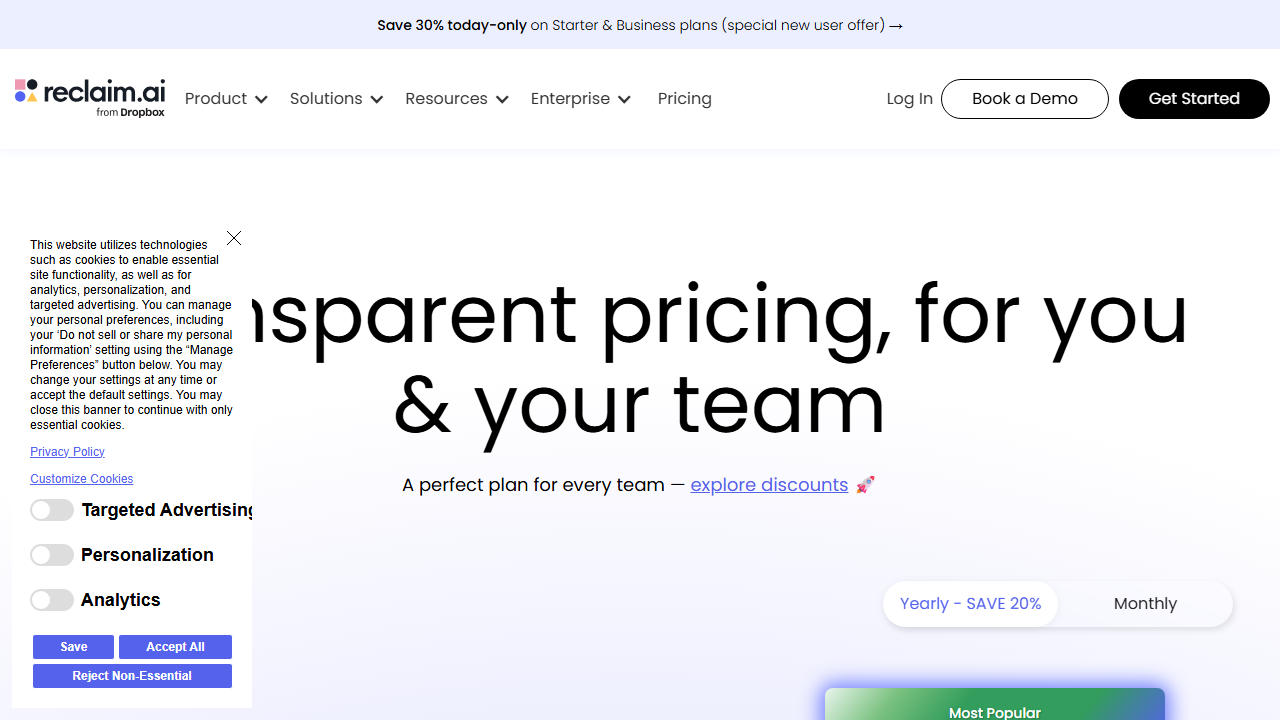
Reclaim offers three main pricing tiers that scale from solo freelancers to small teams. The free plan is surprisingly functional, while the paid plans unlock the AI features that make Reclaim special. I tested the Business plan for this review because it includes all automation features.
- Free: $0/month – Includes basic calendar sync, unlimited habits, and limited Smart Meetings. You get one scheduling link and basic analytics. This tier works if you only need simple habit blocking and do not mind manual adjustments.
- Starter: $10/month per user – Unlocks advanced AI scheduling, unlimited Smart Meetings, focus time defense, and full analytics. This is the sweet spot for most freelancers who want automatic protection without a big monthly bill.
- Business: $15/month per user – Adds team collaboration, shared scheduling links, priority support, and advanced integrations with Salesforce and HubSpot. Choose this if you manage subcontractors or run a small agency.
At $10 per month, the Starter plan costs less than one hour of freelance work for most professionals. If Reclaim saves you even thirty minutes per week by preventing calendar conflicts, it pays for itself immediately. The time value proposition is strong.
The free plan has real limitations. You only get one scheduling link, and the AI cannot defend focus time aggressively. For casual users, that might be enough. For freelancers who rely on deep work to deliver client projects, the Starter plan is almost essential.
Compared to hiring a virtual assistant to manage your calendar, Reclaim is dramatically cheaper. A human assistant might charge $15 to $25 per hour. Reclaim works around the clock for a flat $10 monthly fee. The trade-off is that Reclaim cannot handle truly complex scheduling negotiations, but for standard freelance workflows, it handles ninety percent of the work.
Pros and Cons
No tool is perfect, and Reclaim has clear strengths and weaknesses. I tracked both during my three-week trial to give you an honest picture. Here is what stood out.
Pros
- The AI genuinely adapts to your preferences and improves scheduling decisions over time.
- Focus Time Defense stops calendar invasions without requiring you to manually decline meetings.
- Integrations with Todoist, Asana, Trello, and ClickUp turn task lists into actual calendar events.
- Habit tracking with flexible rescheduling helps you maintain routines even during chaotic weeks.
- The free plan is genuinely useful for testing before you commit to a paid subscription.
- Analytics reveal how you actually spend time, which helps you price projects more accurately.
- Buffer Time automation prevents the mental whiplash of back-to-back meetings.
Cons
- Microsoft Outlook sync occasionally lags by several minutes, which can cause temporary double-booking.
- The initial setup requires thoughtful configuration; rushing it produces poor scheduling results.
- Mobile app functionality is limited compared to the desktop experience.
- Some users find the colorful calendar blocks visually cluttered until they adjust display settings.
- Smart Meetings lack the advanced conditional logic found in dedicated scheduling tools like Calendly.
- Priority support is only available on the Business plan, which may frustrate Starter users with urgent issues.
Who Should Use Reclaim?
Reclaim is ideal for freelancers who bill by the project or hour and need to protect creative time. If your work requires deep focus, such as writing, coding, designing, or consulting, the automatic scheduling will save your sanity.
Virtual assistants and agency owners will also benefit from the team features and shared scheduling links. The ability to coordinate subcontractor time without endless email threads is a practical advantage that compounds as your team grows.
Reclaim is less useful for freelancers with highly unpredictable schedules, such as emergency consultants or on-call technicians. If your work involves constant firefighting and immediate response, the AI cannot predict your week well enough to add value.
Students and hobbyists might find the free plan sufficient, but the real power emerges when you have enough meetings and tasks to justify AI optimization. If your calendar has fewer than five events per week, you probably do not need Reclaim yet.
If you are curious about other calendar and planning tools, you might also enjoy our Sunsama review for daily planning, or our Lovable AI review for creative project automation.
Final Verdict
This Reclaim review confirms that the platform is one of the best calendar automation tools available for freelancers in 2026. The AI scheduling is intelligent, the focus time defense is effective, and the pricing is reasonable for the value delivered.
I recommend starting with the free plan to test your habits and calendar connection. If you find yourself manually rescheduling less and hitting your priorities more, upgrade to the Starter plan at $10 per month. The time you reclaim will pay for the subscription many times over.
Reclaim does not replace human judgment, but it removes the tedious work of calendar management so you can focus on billable tasks. For freelancers who treat time as their primary asset, that makes it a worthy investment. This Reclaim review concludes with a clear recommendation: try it for two weeks and measure your productivity gains.
Frequently Asked Questions
Does Reclaim work with both Google Calendar and Outlook?
Yes, Reclaim supports both Google Calendar and Microsoft Outlook. You can even connect multiple calendars from different providers and set one as your primary scheduling source. During my testing, Google Calendar sync was instant, while Outlook occasionally had a two-minute delay.
Can Reclaim replace my existing scheduling tool like Calendly?
Reclaim’s Smart Meetings can replace basic scheduling tools for many freelancers. The advantage is that Reclaim knows your habits and focus blocks, so it never offers slots during protected time. However, if you need complex routing rules or payment collection, you might still want a dedicated scheduler.
Is my calendar data safe with Reclaim?
Reclaim encrypts calendar data in transit and at rest. The company follows SOC 2 standards and does not sell your information to third parties. You can revoke calendar access at any time through your Google or Microsoft security settings.
How does the free plan compare to the paid plans?
The free plan includes unlimited habits, basic calendar sync, and one scheduling link. You miss out on advanced AI defense, unlimited Smart Meetings, and detailed analytics. For serious freelancers, the $10 Starter plan removes the key limitations that matter most.
Can I use Reclaim with my project management tools?
Yes, Reclaim integrates with Asana, Trello, Todoist, ClickUp, Jira, and Notion. Tasks from these platforms can automatically become calendar blocks with the right priority and duration. I tested the Todoist integration and found it reliable.
What happens if Reclaim schedules something I do not want?
You can drag and drop any Reclaim block to a new time, and the AI will learn from your adjustment. You can also delete blocks or mark habits as skipped. The system improves its suggestions based on your feedback over time.
Does Reclaim have a mobile app?
Reclaim offers a mobile app for iOS and Android, but the experience is more limited than the desktop version. You can view your schedule, add quick tasks, and adjust habits. Complex configuration is best done on a computer.
Can teams use Reclaim effectively?
Yes, team plans start at $15 per user per month and include shared scheduling links, collective focus time, and workspace analytics. Small agencies and freelancer collectives will find the collaboration features practical for coordinating without constant meetings.