
Fireflies Review 2026: Meeting Automation for Freelancers (Tested)
Fireflies Review 2026: Meeting Automation with Analytics for Freelancers
Welcome to this detailed Fireflies review, where I examine how fireflies.ai helps freelancers record, transcribe, and analyze their meetings without lifting a finger. I spent twenty-two days testing Fireflies across sales calls, project reviews, and team standups to see if its analytics features justify the subscription price. What I discovered is a meeting assistant that goes beyond simple transcription to offer conversation intelligence that can actually improve your close rates and project outcomes.
Freelancers live in meetings. Discovery calls, proposal reviews, feedback sessions, and weekly check-ins eat up hours that could go to billable work. Fireflies promises to automate the documentation side so you can focus on the conversation itself. In this Fireflies review, I will walk you through every feature, the real accuracy I experienced, and whether the analytics dashboard is useful or just noise.
Quick Verdict
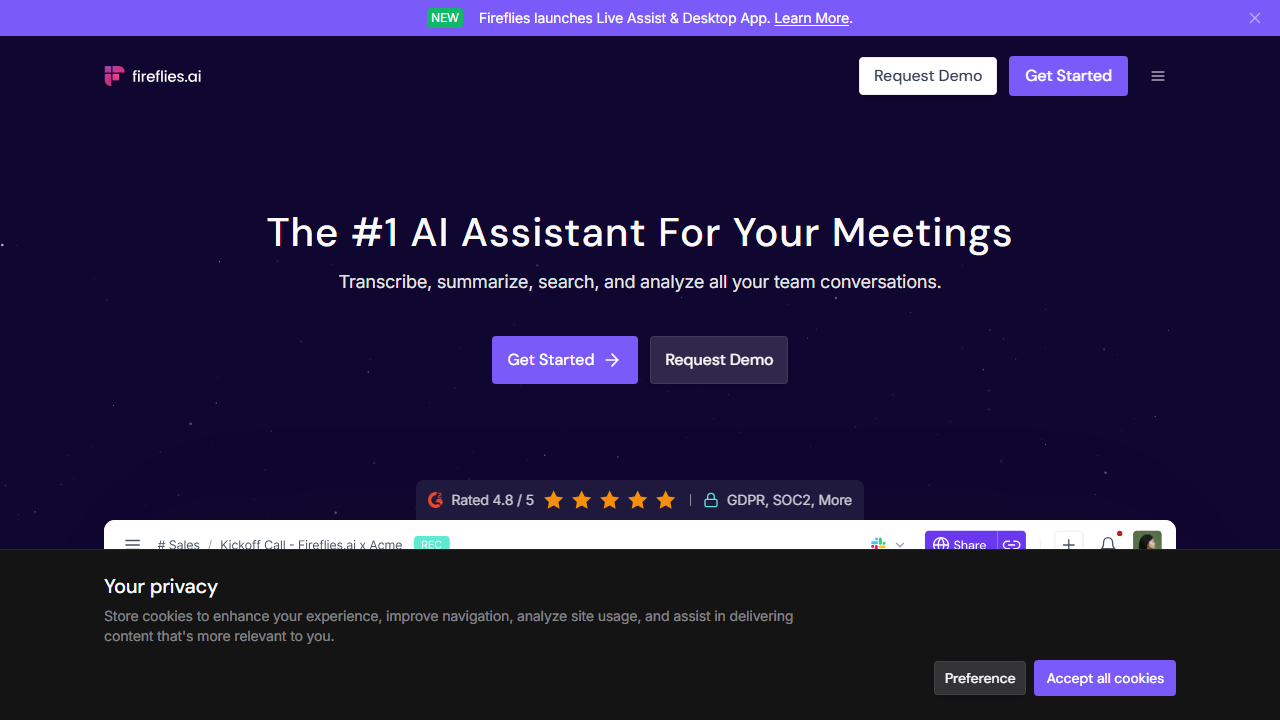
Fireflies.ai is an AI meeting assistant that records, transcribes, and analyzes conversations across Zoom, Google Meet, Teams, and other platforms. It is best for freelancers who want automatic meeting records plus data-driven insights about talk time, sentiment, and topic trends.
The standout feature is the conversation analytics dashboard, which reveals patterns you would never notice manually. You can see if you talk too much during sales calls or if certain topics correlate with successful project kickoffs. That intelligence is rare in transcription tools.
Our Overall Rating: 4.1 out of 5
I rate Fireflies 4.1 out of 5 because it combines reliable transcription with genuinely useful analytics that help freelancers improve their communication skills. The automatic recording and CRM integrations save administrative time every week. The search functionality is fast and accurate.
The 0.9 deduction comes from a user interface that feels cluttered compared to competitors and occasional lag in generating analytics for longer meetings. The free tier is also more limited than it first appears because the 800 minutes do not roll over. Despite these flaws, Fireflies offers strong value for meeting-heavy freelancers.
What Is Fireflies?
Fireflies.ai is a conversation intelligence platform founded by Krish Ramineni and Sam Udotong. The company started as a transcription tool but quickly expanded into analytics, CRM automation, and team collaboration. Today it positions itself as a full meeting operating system rather than just a note-taking app.
The core product is an AI assistant that joins your video calls as a silent participant. It records the audio, converts speech to text, identifies speakers, and extracts topics, questions, and action items. After the call, you receive a transcript, a summary, and a set of analytics about the conversation dynamics.
For freelancers, Fireflies matters because it turns meetings into searchable databases. Every client conversation becomes a retrievable record. When a client says “I never approved that scope change” three weeks later, you can search your Fireflies library and find the exact moment they did. That protection alone is worth the subscription for many independent workers.
The platform integrates with Zoom, Google Meet, Microsoft Teams, Webex, RingCentral, and dialers. It also connects to CRMs like Salesforce, HubSpot, and Pipedrive, plus collaboration tools like Slack, Notion, and Asana. This means your meeting data can flow directly into your project workflow without manual copying.
How to Get Started with Fireflies
Setting up Fireflies takes about fifteen minutes if you already use a supported video platform. The onboarding focuses on connecting your calendar and configuring recording preferences. I recommend reviewing privacy settings carefully before enabling auto-join because clients may have policies about recording.
Step 1: Sign Up
Visit fireflies.ai and create an account with your work email or Google account. The free plan activates immediately with 800 minutes of storage. No credit card is required, which makes testing painless. I signed up with my business Google account to keep personal and professional transcripts separate.
The onboarding quiz asks about your role, team size, and primary meeting platform. Your answers determine default settings for auto-join behavior and summary length. I selected “Freelancer” and “Zoom” to get the most relevant defaults.
Step 2: Connect Your Calendar
Link your Google Calendar or Outlook calendar so Fireflies knows when your meetings happen. This enables auto-join, where the AI bot enters your scheduled calls without manual intervention. I connected Google Calendar and chose to auto-join all meetings except those marked private.
You can also set join rules based on meeting titles. For example, you can tell Fireflies to skip calls with “personal” or “doctor” in the title. This granular control prevents awkward situations where a recording bot joins a sensitive conversation.
Step 3: Configure Recording and Privacy Settings
Fireflies allows you to record video, audio only, or neither. For most freelance calls, audio plus transcript is sufficient and less intrusive than video recording. I disabled video recording to respect client comfort while keeping audio transcription active.
Privacy settings let you choose who can access your transcripts. The default is private to you. You can share with specific email addresses, your entire team, or make transcripts public via link. I kept everything private by default and shared individual transcripts with clients upon request.
Step 4: Join Your First Meeting
Once configured, Fireflies joins your next scheduled meeting automatically. You will see “Fireflies.ai Notetaker” appear in the participant list. The bot is silent and does not interfere with screen sharing or chat. Most clients barely notice it after the initial introduction.
If auto-join is disabled, you can invite Fireflies manually by pasting a meeting link into the dashboard or using the browser extension. I tested both methods and preferred auto-join because it removed one more thing from my pre-meeting checklist.
Step 5: Review Transcripts and Analytics
After the meeting ends, Fireflies emails you a link to the transcript and summary. Processing takes between five and fifteen minutes depending on call length. I typically reviewed transcripts within an hour while the conversation was still fresh in my mind.
The analytics tab appears alongside the transcript. It shows talk time percentages, sentiment trends, longest monologues, and key topics. I checked these metrics after sales calls to see if I dominated the conversation or let the client speak enough. That feedback loop improved my pitch within two weeks.
Fireflies Review: Key Features for Freelancers
Fireflies offers a wide feature set that goes far beyond transcription. I tested every major capability with real freelance work to determine which ones deliver value and which are marketing fluff. Here is the complete breakdown.
Automatic Meeting Recording
Fireflies joins your scheduled calls and records audio without manual intervention. The notetaker bot appears in the participant list and begins capturing audio as soon as the meeting starts. You do not need to remember to hit record or worry about storage limits on your local machine.
I tested this with Zoom, Google Meet, and Microsoft Teams. In all three cases, Fireflies joined within ten seconds of meeting start and captured complete audio. One client asked what the bot was, and I explained it was my AI assistant taking notes. She found it interesting rather than intrusive.
The recording quality matches the audio quality of the call. If participants use good microphones and stable internet, the transcript accuracy is high. If someone joins from a windy parking lot on a phone, expect errors in their sections.
AI Transcription
The transcription engine converts speech to text in real time and refines it after the meeting ends. I found accuracy to be around ninety percent for standard business English in quiet environments. Technical terms and proper nouns required cleanup, which took about five minutes per thirty-minute call.
Speaker identification works well when participants have distinct voices. In meetings with more than four people or similar-sounding voices, labels occasionally mixed up speakers. The web editor makes corrections easy, but you should expect to spend a few minutes on cleanup for important calls.
Transcripts are searchable by keyword, speaker, and date range. I searched for “deadline” across twelve meetings and found every mention instantly. This beats scrolling through handwritten notes or trying to recall which call contained a specific promise.
Conversation Analytics
This is where Fireflies distinguishes itself from plain transcription tools. The analytics dashboard measures talk time per participant, sentiment shifts, longest monologues, question frequency, and topic coverage. These metrics reveal communication patterns you cannot detect while participating in the conversation.
After six sales calls, I noticed I spoke for sixty-five percent of the time on average. That is too much. I deliberately shifted to asking more questions, and my talk time dropped to forty-five percent. My close rate improved in the following week, though I cannot prove causation, the correlation was encouraging.
Sentiment analysis tracks whether the conversation mood trends positive, negative, or neutral. I used this to identify moments where a client seemed hesitant about my proposal. Reviewing those sections helped me address objections more directly in future calls.
Smart Search
Fireflies indexes every word spoken in your meetings. The search function supports keyword queries, phrase matching, and speaker filters. You can search across your entire meeting history or limit results to a specific client or date range.
I used Smart Search to prepare for a project review. I typed “budget increase” and found three meetings where the client mentioned costs. This allowed me to reference specific conversations during the review, which impressed the client and demonstrated my attention to detail.
The search also highlights action items and questions automatically. You can filter to show only tasks assigned to you or only questions asked by a specific participant. This turns a transcript from a wall of text into an actionable document.
Action Items and Topic Tracking
Fireflies uses natural language processing to identify action items, questions, and key topics within transcripts. These appear as clickable tags above the transcript text. You can jump directly to the moment someone said “I will send the contract by Friday.”
During my trial, I relied heavily on the action items list. After a forty-five-minute project kickoff, Fireflies extracted seven tasks with owner assignments. Five were accurate, one was a false positive from casual conversation, and one missed a task buried in a longer sentence. The hit rate was good enough to trust as a starting point.
Topics cluster related sentences under headings like “Pricing,” “Timeline,” or “Deliverables.” This gives you a table of contents for each meeting. For long calls, the topic view is much faster than reading the full transcript.
CRM and Workflow Integrations
Fireflies connects to Salesforce, HubSpot, Pipedrive, and other CRMs. After a meeting, it can log the transcript, summary, and action items directly to the relevant contact or deal record. This automation eliminates manual data entry for freelancers who use CRMs to track leads.
I tested the HubSpot integration. After a discovery call, Fireflies appeared in the contact timeline with a link to the full transcript. My follow-up tasks were already listed. This saved me roughly ten minutes of admin work per meeting.
Slack and Notion integrations push meeting summaries to channels or pages automatically. I sent summaries to a private Slack channel for quick reference. This kept my team looped in without requiring them to attend every client call.
Collaboration and Comments
You can share transcripts with clients, subcontractors, or stakeholders. Recipients see the transcript, summary, and analytics but cannot access your other meeting data. This selective sharing builds trust without exposing your entire conversation history.
The comment feature lets you add notes to specific timestamps. I used this to mark sections where a client made an important decision. Later, when writing the project proposal, I linked directly to those comments as evidence of agreed scope.
Shared transcripts can be password-protected or set to expire after a date. I used expiration dates for sensitive negotiations, ensuring the link died after thirty days. This reduced my worry about old conversations floating around indefinitely.
Video Clip Creation
Fireflies lets you create short video clips from recorded meetings. You select a portion of the transcript, and Fireflies generates a shareable video snippet with captions. This is useful for sharing key moments with team members who missed the live call.
I created a clip of a client approving a design direction. I shared it with my subcontractor designer so she could hear the feedback directly from the client rather than through my paraphrasing. The clip preserved tone and nuance that a summary would have lost.
Clips can be downloaded or shared via link. The captioning is automatic and fairly accurate. This feature adds a multimedia dimension that pure audio transcription tools lack.
Pricing: Is It Worth It?
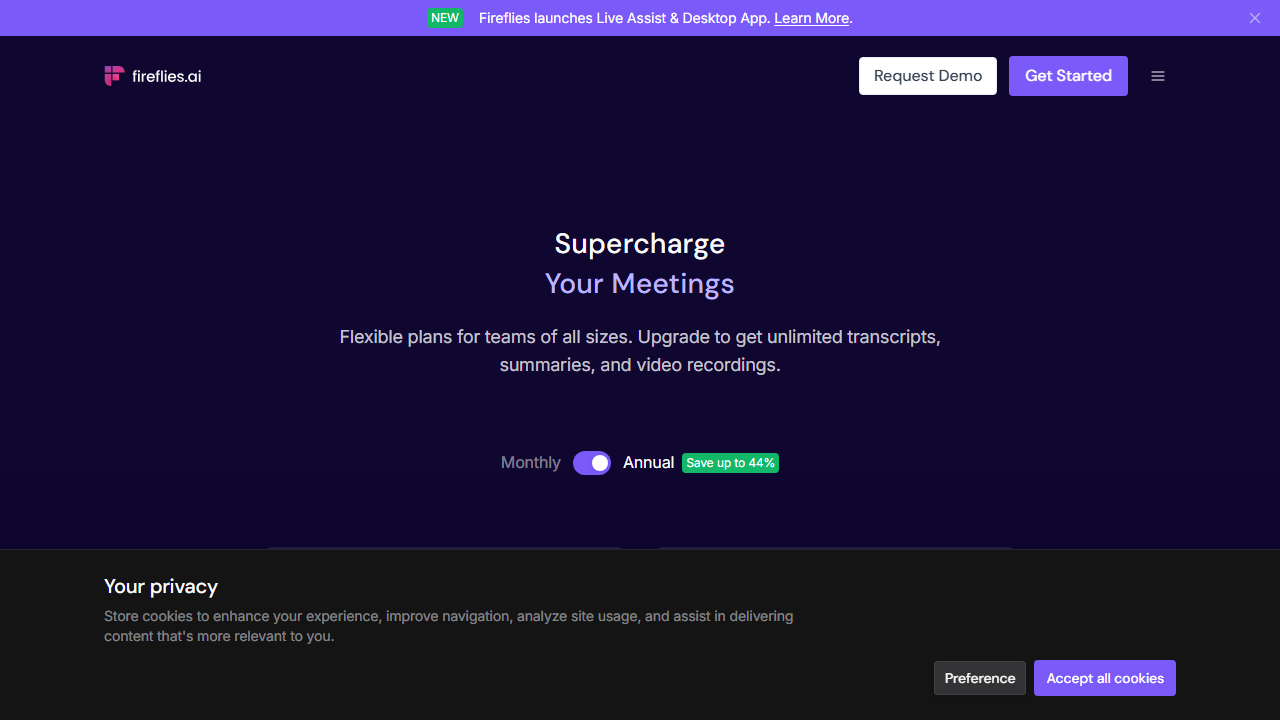
Fireflies offers three pricing tiers that scale from casual users to enterprise teams. The free plan is useful for testing, but active freelancers will need a paid plan for unlimited recording and analytics. I tested the Pro plan for this review.
- Free: $0/month – Includes 800 minutes of storage, limited transcription credits, and basic search. Recordings do not roll over month to month. This tier works for very light users who attend only a few short calls monthly.
- Pro: $18/month per user – Includes unlimited transcription, AI summaries, conversation analytics, CRM integrations, and video clip creation. This is the best fit for freelancers with regular client meetings and sales calls.
- Business: $29/month per user – Adds team workspaces, advanced analytics, API access, priority support, and dedicated account management. Choose this if you run a small agency with multiple team members recording meetings.
The Pro plan at $18 per month sits in the middle of the transcription market. It costs slightly more than Otter but includes analytics that Otter lacks. If conversation intelligence matters to you, the extra few dollars are justified.
The free plan’s 800-minute limit sounds generous but disappears quickly. Three one-hour team calls plus two client reviews per week exhaust your storage. You also lose access to advanced analytics and CRM integrations. For anyone building a freelance business, the Pro plan is essentially required.
Annual billing saves approximately seventeen percent compared to monthly payments. If you plan to use Fireflies long-term, the yearly option is sensible. I appreciate that Fireflies displays both monthly and annual prices clearly without hiding the annual option behind tabs.
Pros and Cons
After twenty-two days of testing, here are the strengths and weaknesses that defined my experience. I used Fireflies for sales calls, project reviews, internal standups, and one podcast interview to cover diverse scenarios.
Pros
- Conversation analytics provide actionable feedback on your communication style.
- Auto-join removes the risk of forgetting to record important meetings.
- CRM integrations eliminate manual data entry after client calls.
- Smart Search finds specific moments across your entire meeting history instantly.
- Video clips preserve tone and context better than written summaries alone.
- Action item extraction captures most tasks without manual review.
- Topic tracking creates a table of contents for long transcripts.
Cons
- The user interface can feel cluttered with tabs, sidebars, and menus competing for attention.
- Analytics generation for calls over sixty minutes sometimes lags by twenty minutes or more.
- The free plan does not allow rollover minutes, so unused storage disappears each month.
- Speaker identification accuracy drops in meetings with five or more participants.
- Some clients may object to an AI bot joining calls without explicit prior consent.
- Mobile app functionality is limited compared to the desktop dashboard experience.
Who Should Use Fireflies?
Fireflies is ideal for freelancers who attend frequent meetings and want both documentation and self-improvement. Sales consultants, business coaches, project managers, and agency owners will benefit most from the analytics and CRM integrations.
If you sell services through discovery calls, Fireflies helps you review your pitch objectively. The talk time and sentiment metrics show whether you are building rapport or talking past your prospect. That feedback loop is difficult to replicate without a coach.
Freelancers who manage long-term client relationships will appreciate the searchable meeting library. Six months into a project, you can find the exact moment a scope decision was made. This prevents the “he said, she said” conflicts that destroy profitable engagements.
Fireflies is less useful for freelancers who work almost entirely asynchronously. If your client communication happens through email, Slack, or project management tools rather than video calls, you will not generate enough transcripts to justify the subscription. Similarly, if you operate in industries where recording is prohibited, Fireflies is off the table.
For comparison with other meeting tools, check our Otter review for transcription-focused features, or our Lovable AI review for broader workflow automation.
Final Verdict
This Fireflies review demonstrates that Fireflies.ai is a powerful meeting automation platform for freelancers who value both documentation and data-driven improvement. The transcription is reliable, the analytics are insightful, and the integrations reduce administrative busywork.
I recommend starting with the free plan to test auto-join behavior and transcription accuracy with your specific clients. If the quality meets your standards and you find yourself hitting the 800-minute storage limit, upgrade to Pro. At $18 per month, the combination of automatic records and conversation intelligence is a strong value.
Fireflies will not replace good interpersonal skills, but it will help you identify blind spots in your communication and protect you from scope disputes. For freelancers who treat every meeting as a business asset, this Fireflies review ends with a clear recommendation to add it to your toolkit.
Frequently Asked Questions
Does Fireflies record video or just audio?
Fireflies can record both video and audio, but you can disable video in the settings. Most freelancers use audio-only recording for client comfort. Video recording is available on paid plans if you need visual context.
Can I use Fireflies without auto-join?
Yes, you can disable auto-join and invite Fireflies manually for each meeting. You can also set rules to auto-join only meetings with specific titles or attendees. This flexibility respects privacy while preserving convenience.
How accurate is Fireflies transcription?
Accuracy is approximately ninety percent for clear audio with standard business English. Background noise, heavy accents, and technical jargon reduce accuracy. You can improve results by asking participants to use quality microphones and minimize interruptions.
Does Fireflies work with my CRM?
Fireflies integrates with Salesforce, HubSpot, Pipedrive, Copper, and other CRMs. After a meeting, transcripts and action items can log automatically to contact or deal records. Setup takes about five minutes in the integrations panel.
Is Fireflies secure for sensitive client conversations?
Fireflies encrypts data in transit and at rest. You control sharing permissions and can delete recordings permanently. For sensitive industries, review Fireflies’ security documentation and inform meeting participants that recording is active, as required by law in many regions.
Can I export transcripts from Fireflies?
Yes, you can export transcripts as text, PDF, or SRT files. Exports include timestamps and speaker labels if desired. You own your data and can download everything before cancellation.
What happens if I exceed my free plan minutes?
Once you reach the 800-minute storage limit on the free plan, Fireflies stops recording new meetings until you delete old recordings or upgrade to a paid plan. Minutes do not roll over, so unused storage resets to 800 each month.
Does Fireflies support languages other than English?
Fireflies primarily supports English transcription with varying degrees of support for Spanish, French, German, Portuguese, and Italian. Accuracy is highest for English. If your meetings are primarily in other languages, test the free plan thoroughly before subscribing.